Short answer: to create an LMS website, first decide who it serves (your own employees, students of one institution, or paying learners on a marketplace), then choose between configuring an open-source LMS, renting a SaaS LMS, or building a custom one. Every LMS needs courses, learner accounts, quizzes, progress tracking and reports; build custom only when your workflow, branding, integrations or business model do not fit the ready-made options.
Online learning has changed how educational institutions, businesses, trainers, and professionals share knowledge. Instead of depending entirely on traditional classrooms or in-person training sessions, organisations can now deliver courses, manage learners, track progress, and evaluate performance through digital platforms.
A Learning Management System (LMS) makes this possible by bringing learning content, user management, assessments, and reporting together in one place. Whether it is used by an educational institution, a corporate training department, or an online course provider, an LMS helps organise the complete learning process.
However, creating an effective LMS website involves more than uploading videos and adding a registration form. It requires a well-planned structure for managing users, organising courses, delivering learning materials, monitoring performance, and controlling access.
This guide is for training managers, institutions and ed-tech founders. It covers LMS types, must-have features, a step-by-step build process, business models, the build-or-buy decision, and what drives cost.
What Is a Learning Management System (LMS)?
A Learning Management System is a web-based application designed to manage and deliver educational courses, employee training programmes, and other learning activities.
An LMS supports several important functions:
- Administration: Managing learners, instructors, courses, and learning programmes.
- Documentation: Maintaining course materials, learner information, and training records.
- Tracking: Monitoring course participation, completion, and learner progress.
- Reporting: Generating reports about performance, attendance, and learning outcomes.
- Automation: Managing enrolments, reminders, assessments, and scheduled activities.
- Content delivery: Providing learning materials through a centralised platform.
The main purpose of an LMS is to make learning easier to organise and monitor. It gives administrators and instructors the tools to manage learning activities while allowing learners to access the resources they need.
Types of LMS Websites and Their Applications
Not every organisation requires the same type of learning management system. The platform should be planned according to its intended users, number of learners, learning objectives, and operational requirements.
1. Enterprise LMS
An enterprise LMS is designed for organisations that need to manage employee training, onboarding, professional development, and internal learning programmes.
For example, a company can use an LMS to assign training courses to different departments, monitor employee participation, and evaluate skill development.
2. Individual or Educational LMS
This type of platform supports individual learners, tutors, educational institutions, and independent training providers. It can offer course registration, learning materials, assessments, progress tracking, and certificates.
3. Free or Paid LMS
An LMS can provide free learning resources, paid courses, or a combination of both. The access model should be decided according to the organisation's objectives and the way it plans to deliver learning content.
4. SaaS or Single-Licence LMS
A Software-as-a-Service (SaaS) LMS is generally offered through a subscription arrangement, allowing customers to access the platform as an ongoing service. A single-licence model provides access under a defined licensing arrangement.
5. Cloud-Based or On-Premise LMS
A cloud-based LMS is hosted on cloud infrastructure and accessed through the internet. An on-premise LMS is installed and managed within an organisation's own infrastructure, such as its internal servers.
6. Integrated LMS or LMS with Authoring Tools
Some platforms connect with external content management or course creation tools, while others include built-in authoring capabilities. The choice depends on whether the organisation wants to create learning materials inside the LMS or manage content produced elsewhere.
Essential Features to Include in an LMS Website
A successful LMS requires interconnected modules that support learners, instructors, and administrators. Each module should have a clear purpose and work smoothly with the other parts of the platform.
1. User Registration and Single Sign-On
The registration process should be simple and convenient. Users may register through an email address or use supported single sign-on (SSO) options to access the platform with an existing account.
During registration, the system can collect basic information first and request additional profile details later. This avoids making the initial signup process unnecessarily lengthy.
Depending on the LMS requirements, profile information may include:
- Full name and email address
- Profile image
- Educational background
- Skills and certifications
- Organisation or department
- Professional experience
2. Learner and Instructor Dashboards
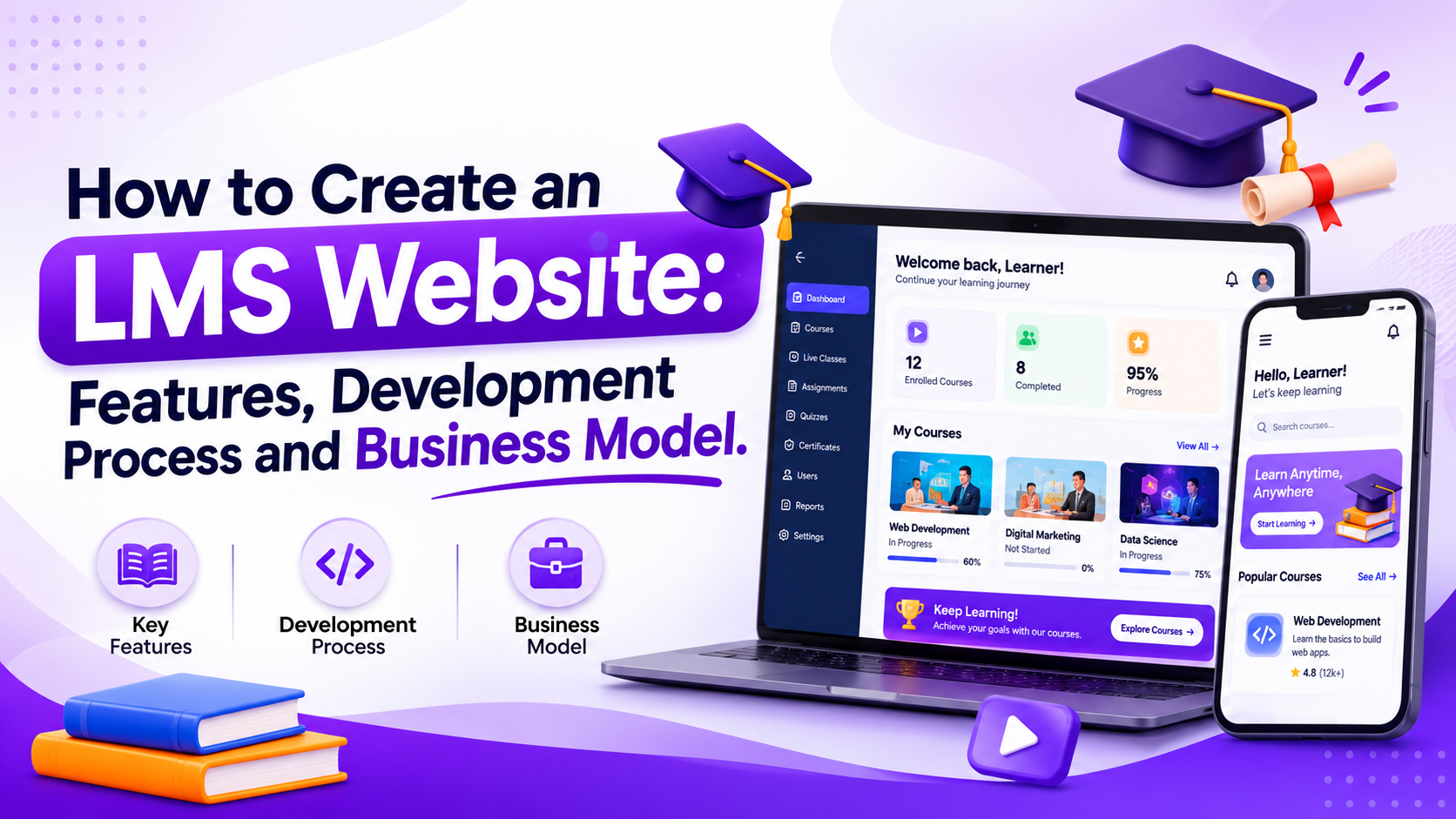
Different user types need different dashboards. A learner should be able to find enrolled courses and continue learning, while an instructor should be able to manage course content and monitor learners.
A learner dashboard may include:
- Enrolled courses
- Course progress and completion status
- Upcoming assessments
- Learning materials
- Notifications and reminders
- Certificates earned
An instructor dashboard may include:
- Courses created or assigned
- Enrolled learners
- Course material management
- Assignments and assessments
- Learner performance reports
- Discussion and communication tools
3. Course Creation and Content Upload
Course content is one of the most important components of an LMS. The platform should allow authorised instructors or administrators to create courses, upload learning materials, and organise lessons into a structured format.
Depending on the course requirements, supported content may include:
- Text documents, PDFs, and presentations
- Recorded audio lessons
- Video tutorials and lectures
- Images and learning graphics
- Interactive learning materials
- Assessments and quizzes
A course authoring tool can also help instructors create and update learning materials within the platform.
4. Course Architecture and SCORM Integration
For organisations that use structured eLearning content, course architecture needs careful planning. Courses may contain modules, chapters, lessons, activities, and assessments that must work together.
SCORM (Sharable Content Object Reference Model) is a commonly used eLearning content standard. It helps compatible learning content communicate with an LMS and share information about learner activity and progress.
When SCORM support is required, the development team should consider two important areas:
- Run-time environment: Allows compatible learning content to communicate with the LMS and exchange information such as progress, completion, and assessment-related data.
- Content packaging: Defines how course content and its related files are organised and packaged so the LMS can import and launch them.
SCORM compatibility should be considered during the planning stage if the organisation intends to use existing SCORM-based courses or authoring tools. The exact standard and version required should be confirmed before development.
5. Learning Content Management System (LCMS)
An LCMS helps organise, store, retrieve, and reuse learning materials. It supports the management of course content and makes it easier to present relevant learning resources to different groups of users.
Important capabilities may include:
- Course categories and subject-based libraries
- Content upload, import, and export
- Reusable learning materials
- Course access permissions
- Content organisation by learner type
- Management of internally created and externally sourced content
For example, an organisation may maintain separate learning libraries for new employees, managers, and technical teams. Each group can access the courses relevant to its responsibilities.
6. Learning Paths and Course Organisation
Course organisation directly affects how learners navigate the platform. An LMS should provide flexible ways to arrange learning materials according to the subject, difficulty level, or learning objective.
Three common approaches are:
- Learning paths: Arrange courses or lessons in a specific sequence. Learners complete one stage before moving to the next.
- Topic-based organisation: Group content by subject so learners can directly access the topics they want to study.
- Hybrid organisation: Combine structured learning paths with topic-based navigation, allowing learners to follow a sequence or revisit individual topics.
Organisations may also provide personalised learning paths based on learner requirements, skills, or course objectives.
7. Assessments, Quizzes, and Progress Tracking
Assessments help instructors understand whether learners have achieved the expected learning outcomes. The LMS should allow authorised users to create assessments and monitor learner performance.
Useful capabilities include:
- Quizzes and multiple-choice questions
- Assignments and submissions
- Assessment scores and results
- Course completion tracking
- Progress monitoring
- Prerequisite-based course progression
For example, an instructor can require learners to complete a quiz before they can access the next module.
8. Admin Dashboard and Management Controls
The administrator manages the overall LMS environment. A centralised dashboard should provide access to important platform activities and management settings.
Key administrative functions include:
- Managing learners, instructors, and managers
- Creating and editing courses
- Assigning roles and permissions
- Managing enrolments and learning activities
- Configuring platform settings
- Managing integrations and access credentials
- Monitoring platform activity
The dashboard may also display important operational information, such as total learners, active courses, course enrolments, and completion statistics. The administrator should be able to configure which information is most relevant to the organisation.
9. Custom Reports and Data Visualisation
Reports help administrators and decision-makers understand how the learning platform is performing. An LMS should provide standard reports as well as options to generate customised reports.
Standard reports can display predefined information, while custom reports allow administrators to select the fields, users, and time periods they want to analyse.
Reporting capabilities may include:
- Learner enrolment reports
- Course completion reports
- Assessment and performance reports
- Attendance and participation records
- Individual and group progress reports
- PDF or spreadsheet exports
- Scheduled report delivery through email
Charts and visual dashboards can make complex information easier to understand. For example, administrators can review course completion patterns or compare learner performance across different programmes.
10. Notifications and Scheduled Activities
Notifications help learners and instructors stay informed about important learning activities. The system can send reminders for upcoming assessments, course deadlines, enrolment updates, and other relevant events.
Scheduled tasks can also support automatic report delivery and time-sensitive operations, such as invalidating expired password-reset links.
How to Create an LMS Website: Step-by-Step Development Process
Building an LMS from scratch requires a clear understanding of the learning objectives, user roles, content structure, and technical requirements. A planned development process helps ensure that the final platform supports both current and future needs.
Step 1: Define the Learning Objectives and Target Users
Start by identifying why the LMS is being developed and who will use it. A platform for corporate employee training may require different workflows from an online learning website designed for individual students.
Define the following:
- Target audience and expected number of users
- Types of courses and training programmes
- Roles such as administrators, instructors, and learners
- Learning objectives and completion requirements
- Content formats and delivery methods
- Reporting and assessment requirements
Step 2: Decide the Business and Delivery Model
Before development begins, decide how the LMS will be offered and managed. This decision influences the platform architecture, access permissions, payment requirements, and administrative workflows.
For example, an organisation developing an internal training platform may not need public course listings or online payments. A commercial learning platform may require course discovery, paid enrolment, and subscription management.
Step 3: Plan the Features and User Workflows
Prepare a detailed feature list and define how each user will interact with the platform.
Map the main workflows, such as:
- A learner registers or receives an account invitation.
- The learner completes the required profile information.
- The learner views available or assigned courses.
- The learner enrols in a course or receives an assignment.
- The learner accesses lessons and learning materials.
- The learner completes assessments and activities.
- The system records progress and completion.
- The instructor or administrator reviews performance reports.
These workflows help the design and development teams understand the connections between different modules.
Step 4: Design the Website Interface
The LMS interface should make it easy for users to find courses, access learning materials, and understand their progress.
Important design considerations include:
- Simple registration and login screens
- Separate dashboards for each user role
- Clear course categories and navigation
- Readable lesson and assessment layouts
- Responsive design for desktop, tablet, and mobile screens
- Accessible controls and consistent page layouts
Step 5: Develop the Core LMS Modules
Once the workflows and interface are approved, development can begin. The core modules should be built around the agreed requirements.
These typically include user management, course creation, content delivery, enrolment, assessments, progress tracking, administration, and reporting.
Each module should be integrated with the others. For example, when a learner completes a course assessment, the result should be reflected in the learner's progress and the instructor's reports.
Step 6: Integrate Content Standards and Third-Party Services
If the LMS needs to support existing learning content, the required content standards and integrations should be implemented and tested.
Depending on the project, integrations may include:
- SCORM-compatible course content
- External course authoring tools
- Single sign-on services
- Payment gateways for paid learning programmes
- Email and notification services
- Analytics and reporting tools
Only the integrations required by the chosen business model should be included. This keeps the initial development scope focused.
Step 7: Test the LMS and Launch
Before launch, test the complete learning process from registration to course completion. Testing should cover user permissions, course access, content loading, assessments, reporting, and integrations.
It is also important to evaluate the platform under expected user activity and check that learner information and administrative functions are protected.
After successful testing, the LMS can be deployed to the selected hosting environment and made available to its intended users.
Choosing the Right LMS Business Model
The business model determines how the LMS is delivered, who can access it, and how the platform is maintained or monetised. The right approach depends on the organisation's objectives and target audience.
1. Subscription-Based SaaS Model
In a SaaS model, customers access the LMS through a recurring subscription. The platform provider manages the hosted service, while customers use the system according to their subscription arrangement.
This approach can suit businesses that want to offer learning management services to multiple organisations.
2. Single-Licence Model
A single-licence model provides access to the LMS under a defined licence arrangement. It may suit organisations that want a dedicated platform rather than a recurring SaaS service.
3. Enterprise or Internal Training Model
In this model, an organisation uses the LMS internally to train employees, manage onboarding, and monitor professional development.
The platform can be configured around departments, job roles, training requirements, and internal reporting needs.
4. Free and Paid Learning Model
An LMS can provide free courses, paid courses, or both. A paid learning model may require payment integration and enrolment controls, while a free model may focus on user registration and content access.
5. Cloud-Based or On-Premise Delivery
Cloud-based delivery allows users to access the LMS over the internet through hosted infrastructure. On-premise delivery allows an organisation to deploy and manage the system within its own infrastructure.
The choice should be based on hosting preferences, operational requirements, access needs, and the organisation's infrastructure policies.
Common Challenges in LMS Website Development
An LMS combines multiple functions, so development teams need to consider more than the visual interface. Some common challenges include:
1. Managing Different User Roles
Administrators, instructors, learners, and managers require different permissions. Poorly planned access controls can expose restricted content or prevent users from completing their tasks.
2. Organising Large Volumes of Learning Content
As the number of courses and learning materials increases, content can become difficult to manage. A well-defined category structure, content library, and learning path system help keep the platform organised.
3. Maintaining Consistent Learning Progress Data
Course activity, assessment results, and completion records need to be recorded accurately. The LMS should connect content interactions with its progress tracking and reporting modules.
4. Supporting Different Content Formats
Learning materials may include documents, audio, video, and interactive content. The platform needs to support the formats required by the organisation and provide a consistent learning experience.
5. Generating Large Reports Efficiently
Large reporting requests can place pressure on the application and database. Report generation should be designed to handle data efficiently, particularly when users need scheduled exports or reports covering large groups of learners.
6. Protecting User and Learning Data
An LMS may store personal profiles, course records, assessment results, and organisational information. Appropriate authentication, permissions, secure data handling, and regular maintenance are important for protecting the platform.
Factors That Influence LMS Website Development Cost
The cost of developing an LMS depends on its complexity and the features required. A basic course delivery website and a large enterprise LMS will have very different development scopes.
Important cost factors include:
- Platform complexity: The number of modules, workflows, and user roles.
- Design requirements: Custom dashboards, course interfaces, and responsive layouts.
- Content management: Course authoring, content libraries, and import/export capabilities.
- Technical integrations: SCORM support, SSO, payment services, and external tools.
- Reporting requirements: Custom reports, visual dashboards, exports, and scheduled delivery.
- Hosting and infrastructure: Cloud hosting, on-premise deployment, and expected user volume.
- Testing and maintenance: Quality assurance, security updates, monitoring, and ongoing improvements.
For a more accurate estimate, the development scope should be defined before deciding the budget. Starting with the essential modules and expanding the platform in phases can help manage the initial investment.
Build, Buy or Customise? Choosing the Right LMS Route
Before writing a feature list, decide which route fits. Many projects fail because a team builds from scratch what a SaaS tool already does, or forces a SaaS tool into a business model it was never designed for.
| Route | Best when | Watch out for |
|---|---|---|
| SaaS LMS (rented) | Internal training for a few hundred users, standard courses, fast start | Per-user fees grow with headcount; limited branding and data control |
| Open-source LMS (for example Moodle), configured | Institutions that need SCORM, grading and many courses on a budget | Hosting, upgrades, plugins and customisation still need a technical team |
| Custom LMS | Selling courses as a business, unusual workflows, deep integration with HR, ERP or your own app, or full ownership of data and brand | Higher first cost; needs a clear scope and a phased plan |
A practical middle path is a custom learner experience (website and app) on top of proven building blocks for video, payments and content standards. That keeps the first version affordable while you own the parts that make your platform different.
Planning an LMS Website?
We built Achamthavir, an interactive learning platform where students register, take quizzes and self-assessments, and track their scores over time. Assessments and progress tracking are the parts of an LMS that learners use daily, so they deserve the most design attention.
For businesses and educational organisations planning a custom LMS, share your learners, course types and existing tools with us. We will tell you honestly whether SaaS, open-source or custom fits, and send a free first-version feature list and phased plan. Vriksha Tech has built web and mobile software in Chennai since 2006.
Frequently Asked Questions
What is an LMS website?
An LMS website is a web-based learning management system used to create, deliver, organise, and track educational courses or training programmes.
What are the essential features of an LMS website?
Essential features include user registration, learner and instructor dashboards, course management, content upload, assessments, progress tracking, administration controls, and reporting.
What is the difference between an LMS and an LCMS?
An LMS focuses on delivering and managing learning programmes and tracking learners. An LCMS focuses on creating, organising, storing, and reusing learning content. Both can work together within a learning platform.
What is SCORM in LMS development?
SCORM is an eLearning content standard that helps compatible course materials communicate with an LMS. It supports the exchange of information about learning activity and progress.
Can an LMS website support different user roles?
Yes. An LMS can provide separate roles and permissions for administrators, instructors, learners, and managers. Each role can have access to the features and information required for its responsibilities.
Which business model is suitable for an LMS website?
The suitable model depends on the intended use. Organisations may choose a SaaS subscription model, a single-licence model, an internal enterprise LMS, or a free and paid course model.
Can an LMS website generate learner performance reports?
Yes. An LMS can generate reports covering enrolments, course completion, assessment results, learner progress, and other learning activities. Custom reporting and scheduled exports can also be included.
How much does it cost to develop an LMS website?
The cost depends on the number of features, user roles, content management requirements, integrations, reporting capabilities, hosting, and overall platform complexity. A detailed requirement analysis is needed for an accurate estimate.
Ready to Build Your Next Digital Product?
Our experts will respond within 24 hours with a tailored approach for your project.