Why Cloud Failures Shouldn't Become Business Disruptions
Short answer: Cloud failures become business problems when customers and employees depend on the affected systems. Disaster recovery limits the impact through backup and recovery, infrastructure as code, monitoring and alerts and automated recovery, guided by a plan that identifies critical systems and tests recovery regularly.
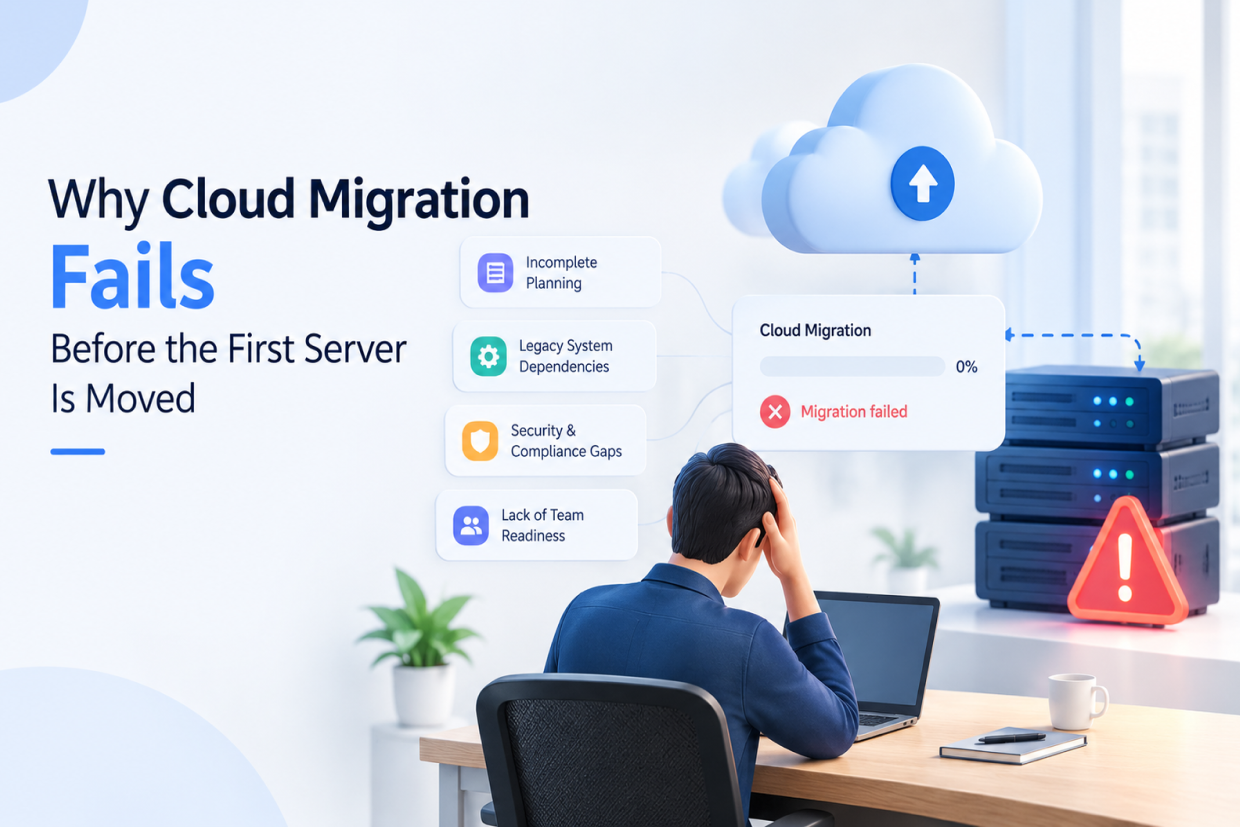
Most businesses depend on cloud infrastructure for their websites, applications, databases, APIs, and internal systems. When everything works normally, cloud infrastructure can feel invisible.
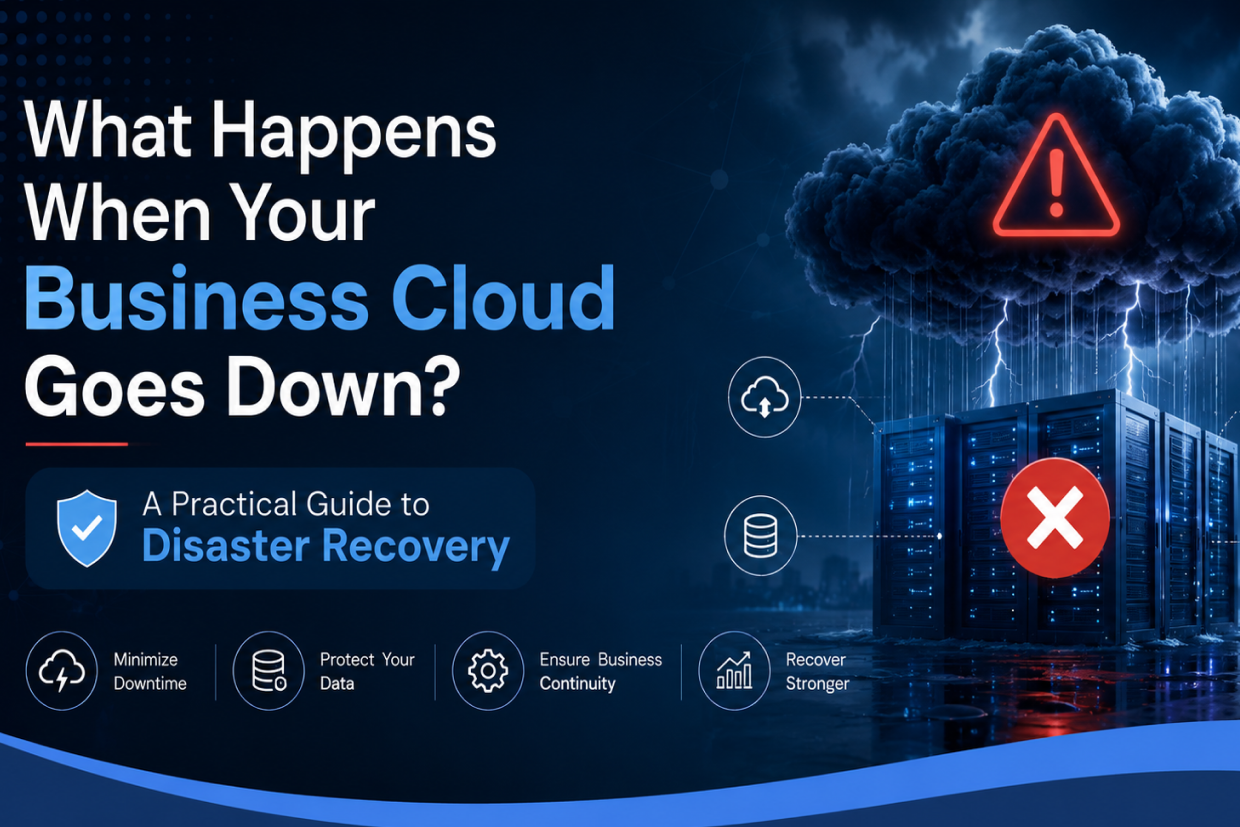
But when a server fails, a database becomes unavailable, or an important cloud service experiences an outage, the impact can be immediate.
Customers may be unable to access your application, employees may not be able to work, and critical business operations can come to a standstill.
The real problem is not simply a cloud failure. The bigger problem is being unprepared for one.
A well-designed Cloud & DevOps strategy helps businesses prepare for failures before they become major business disruptions.
Why Cloud Failures Become Business Problems
A production system can fail for many reasons:
- Server or infrastructure failure
- Database problems
- Deployment errors
- Network interruptions
- Configuration mistakes
- Security incidents
- Unexpected traffic spikes
Without a recovery plan, teams may have to manually identify the problem, restore systems, and determine which data is still available.
This can turn a small technical issue into a long business interruption. Modern DevOps practices therefore focus not only on deployment speed but also on recovery, monitoring, and resilience.
The Real Cost of Downtime
When an application goes offline, the impact extends beyond the technical team.
| Business Area | Possible Impact |
|---|---|
| Customer Experience | Users cannot access services |
| Revenue | Transactions and sales may stop |
| Operations | Employees lose access to systems |
| Reputation | Customers may lose confidence |
| Data | Recovery may become difficult without proper backups |
For growing businesses, even a short interruption can create unnecessary operational pressure.
How Cloud Disaster Recovery Helps
Disaster recovery is about creating a reliable way to restore applications and data when something goes wrong.
A strong recovery strategy can include automated backups, replicated databases, recovery environments, monitoring, and tested restoration procedures.
Instead of asking “How do we fix the server?”, the team can follow a predefined recovery process.
Backup and Recovery
Important business data should not depend on a single storage location.
Automated backups help maintain recoverable copies of databases, files, and application data.
Infrastructure as Code
Infrastructure can be defined through code instead of depending entirely on manual server configuration.
This makes it easier to recreate environments consistently when infrastructure needs to be rebuilt.
Monitoring and Alerts
Businesses need to know when something starts going wrong.
Monitoring can track application performance, server health, database availability, and resource usage so teams can respond before a small problem becomes a major outage.
Automated Recovery
Where possible, systems can automatically restart failed services, scale resources, or redirect traffic to healthy environments.
Manual Recovery vs Automated Recovery
| Manual Approach | Automated Approach |
|---|---|
| Engineers identify failures manually | Monitoring detects failures |
| Servers configured manually | Infrastructure recreated through automation |
| Backups may require manual action | Scheduled automated backups |
| Recovery depends on individuals | Documented recovery workflows |
| Longer recovery time | Faster and more predictable recovery |
The goal is not to automate everything blindly. The goal is to remove unnecessary manual steps from critical recovery processes.
A Simple Disaster Recovery Strategy
Businesses do not always need a highly complex infrastructure to improve resilience.
A practical approach can start with:
1. Identify Critical Systems
Determine which applications, databases, and services are essential for business operations.
2. Protect Important Data
Create automated and regularly tested backups for critical information.
3. Define Recovery Priorities
Decide which systems need to be restored first and how quickly they should become available.
4. Automate Infrastructure
Use repeatable infrastructure configurations so environments can be recreated consistently.
5. Monitor Continuously
Set up alerts for failures, unusual resource usage, and application performance issues.
6. Test the Recovery Plan
A backup is only useful if it can actually be restored. Regular recovery testing helps identify problems before a real emergency.
Why Recovery Testing Matters
Many businesses have backups but rarely test whether those backups can actually restore the required systems.
A recovery plan should answer simple questions:
- How quickly can the application be restored?
- Where is the latest usable backup?
- Which systems need to be restored first?
- Who is responsible for recovery?
- What happens if the primary environment is unavailable?
A disaster recovery plan that has never been tested is only a plan on paper.
Cloud & DevOps Working Together
Cloud infrastructure provides flexibility and scalability, while DevOps introduces automation and operational discipline.
Together, they can help businesses build systems that are easier to deploy, monitor, recover, and scale.
Infrastructure as Code, CI/CD, automated backups, monitoring, containerization, and security controls can become part of a single operational workflow.
This approach reduces dependency on manual processes and helps teams respond to unexpected problems more consistently.
When Should a Business Improve Its Disaster Recovery?
You should consider strengthening your cloud infrastructure if:
- Your application cannot afford extended downtime.
- Your database exists in only one location.
- Deployments depend heavily on manual configuration.
- Backups are not tested regularly.
- Nobody is clearly responsible for recovery.
- Your team does not know how long restoration would take.
These are signs that infrastructure may have grown faster than the processes supporting it.
Conclusion
Cloud technology can help businesses scale quickly, but availability cannot be taken for granted.
Server failures, configuration mistakes, deployment issues, and unexpected incidents can happen at any time. The businesses that recover quickly are usually the ones that prepared before the problem occurred.
With cloud disaster recovery, automated backups, infrastructure as code, monitoring, and DevOps automation, organizations can build systems that are not only scalable but also more resilient.
At Vriksha Techno Solutions, we help businesses design and manage cloud infrastructure with automation, monitoring, deployment workflows, and recovery strategies that support reliable digital operations.
Frequently Asked Questions
What is cloud disaster recovery?
Preparing to restore applications, data and infrastructure after a failure, using backup and recovery, infrastructure as code, monitoring and alerts, and automated recovery.
What are the steps of a simple disaster recovery strategy?
Identify critical systems, protect important data, define recovery priorities, automate infrastructure, monitor continuously and test the recovery plan.
Why does recovery testing matter?
A plan that has never been tested may fail when it is needed. Testing shows whether recovery actually works before a real outage.
Ready to Build Your Next Digital Product?
Our experts will respond within 24 hours with a tailored approach for your project.