Short answer: Cloud misconfigurations such as public storage buckets, over-broad permissions, open database ports and disabled logging cause more data exposures than sophisticated attacks. They come from manual changes, rushed launches and unclear ownership. Infrastructure as code, least-privilege access and automated configuration checks with continuous monitoring prevent most of them.
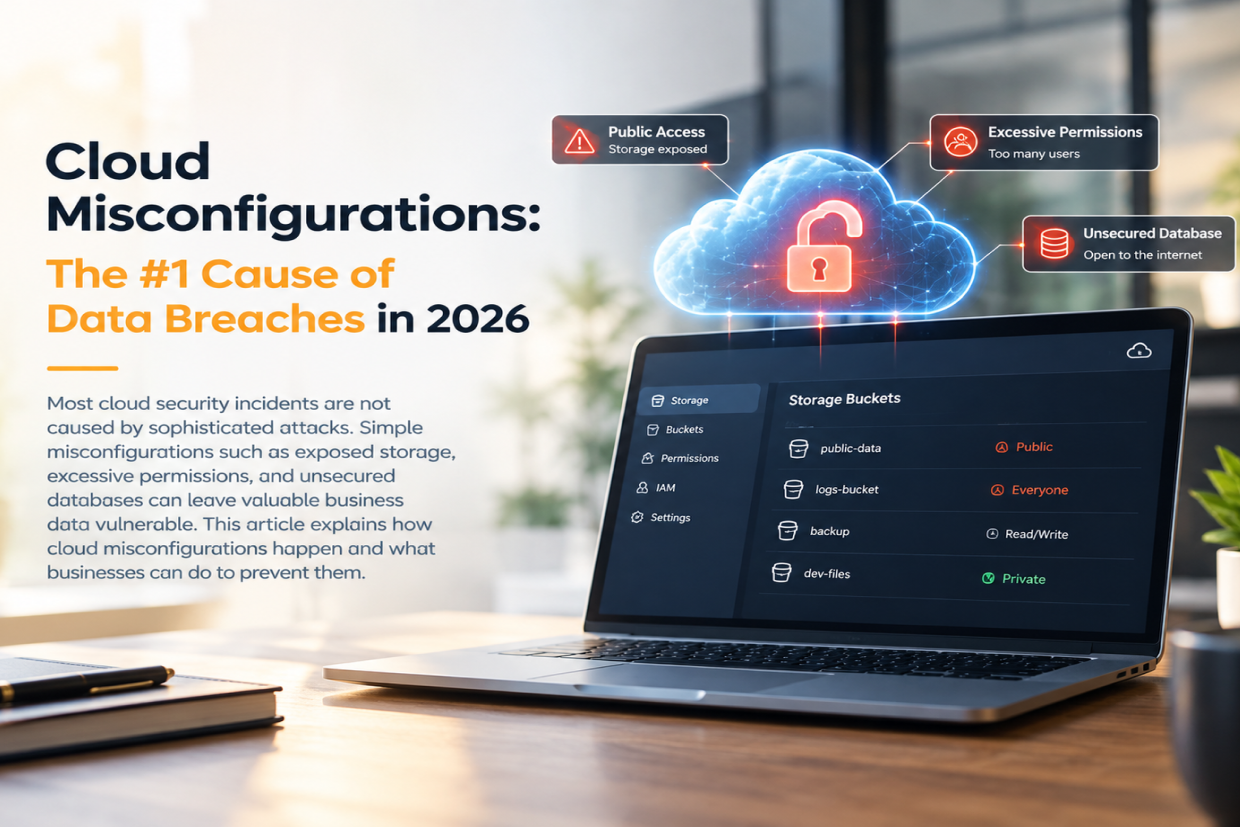
Most cloud data exposures do not start with a clever hacker. They start with a setting: a storage bucket left public, an access key with far more permissions than it needs, a database port open to the internet, or logging that was switched off to save cost. Industry breach reports keep ranking misconfiguration among the leading causes of cloud incidents, because attackers scan for these mistakes automatically and find them within hours.
What a Cloud Misconfiguration Looks Like
A misconfiguration is any cloud setting that leaves data or systems more exposed than the business intended. The most common ones are simple:
- Public storage: S3 buckets, Azure Blob containers or Google Cloud Storage buckets readable by anyone with the link, often holding backups, invoices or customer exports.
- Excessive permissions: developers, service accounts or third-party tools given administrator rights "to get things working" and never reduced afterwards.
- Open network access: databases, admin panels or SSH reachable from any IP address instead of a private network or allow-list.
- Unencrypted data and missing logs: encryption at rest or audit logging not enabled, so a leak is both easier and harder to investigate.
- Forgotten resources: test servers, old snapshots and unused access keys that nobody owns but are still live.
Why Misconfigurations Happen
Cloud platforms make it fast to create resources, and that speed is the problem. A developer under deadline opens a firewall rule for testing and the rule stays. A new environment is copied from an old one, permissions included. Different teams change the same account through the console, so nobody knows the intended state. When ownership is unclear, nobody reviews the settings until something goes wrong.
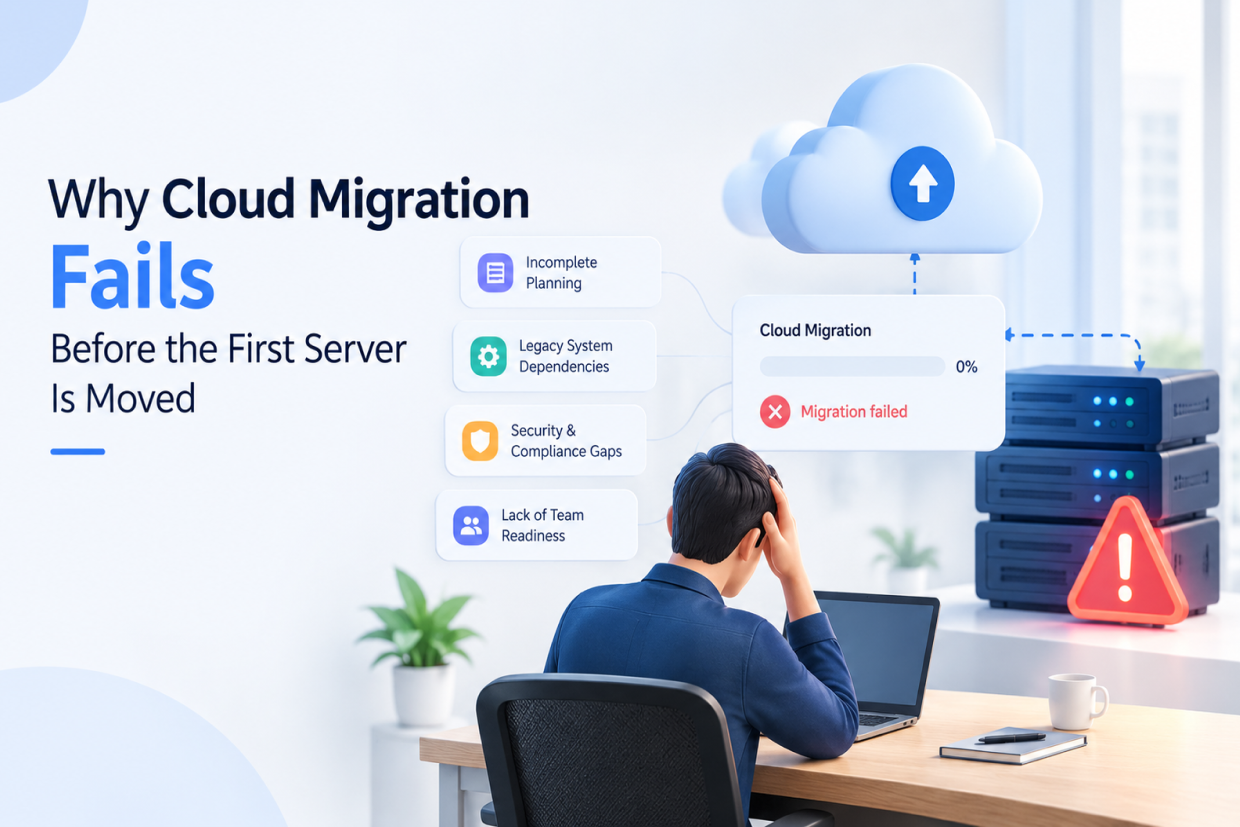
Migration projects add more risk. Workloads moved in a hurry often carry on-premise assumptions, such as trusting everything inside the network, into a cloud environment where those assumptions are no longer true. We cover this in more detail in why cloud migration fails before the first server is moved.
The Real Cost of a Small Setting
A single public bucket can expose years of customer records. Beyond the direct cleanup, a business faces notification duties under data-protection laws such as India's DPDP Act or GDPR, lost customer trust, and in some cases ransom demands. Excessive permissions turn one stolen password into full account control. Because these weaknesses are easy to find with automated scanners, small and mid-sized companies are targeted as often as large ones.
How to Prevent Cloud Misconfigurations
1. Define Infrastructure as Code
Manage servers, networks, storage and permissions through code (Terraform, CloudFormation, Bicep or Pulumi) instead of manual console changes. Every change is reviewed like application code, the intended state is documented, and drift can be detected and reverted.
2. Apply Least-Privilege Access
Give every person, service and integration only the permissions it needs, use roles instead of long-lived access keys, enforce multi-factor authentication, and review access every quarter. This is the same principle behind Zero Trust architecture: never grant broad access by default.
3. Block Public Access by Default
Turn on account-level settings that block public storage, keep databases on private subnets, and expose admin tools only through a VPN or allow-listed IPs. Anything public should be a deliberate, documented exception.
4. Automate Configuration Checks
Run policy checks in the deployment pipeline so a risky setting fails the build before it reaches production. Tools such as AWS Security Hub, Microsoft Defender for Cloud, Google Security Command Center or open-source scanners like Checkov flag public resources, missing encryption and weak policies automatically.
5. Monitor Continuously and Assign Owners
Enable audit logs, alert on high-risk changes such as a bucket becoming public or a new admin role, and tag every resource with an owner. Regularly remove unused accounts, keys and snapshots.
A Practical Starting Checklist
- List every public storage bucket and confirm each one should be public.
- Find users and service accounts with administrator rights and reduce them.
- Check which databases and admin panels are reachable from the internet.
- Confirm encryption and audit logging are enabled in every region you use.
- Delete unused access keys, test servers and old snapshots.
Doing this once is helpful; making it part of every deployment is what keeps the cloud secure as the business grows.
Most cloud breaches are preventable. Clear ownership, least-privilege access, infrastructure as code and automated checks close the gaps attackers look for first.
At Vriksha Techno Solutions, our cloud and DevOps services help businesses prevent misconfigurations through infrastructure-as-code reviews, least-privilege access policies, automated configuration checks, and continuous monitoring of storage, network, and identity settings. Ask us for a cloud configuration review.
Frequently Asked Questions
What is a cloud misconfiguration?
It is a cloud setting that leaves data or systems more exposed than intended, such as a public storage bucket, administrator rights given too widely, a database port open to the internet or disabled audit logging.
How do I find misconfigurations in my cloud account?
Use your provider's built-in security tools, such as AWS Security Hub, Microsoft Defender for Cloud or Google Security Command Center, or a cloud security posture management tool, and review permissions and public resources regularly.
How can cloud misconfigurations be prevented?
Define infrastructure as code with peer review, apply least-privilege access, block public access by default, run automated policy checks in the deployment pipeline and monitor continuously with alerts for risky changes.
Ready to Build Your Next Digital Product?
Our experts will respond within 24 hours with a tailored approach for your project.