Short answer: UI focuses on the visual appearance of a digital product, while UX focuses on usability, navigation and user satisfaction. Professional UI/UX design helps businesses improve customer satisfaction, increase engagement and build long-term trust across mobile apps, SaaS platforms, e-commerce sites and enterprise software.
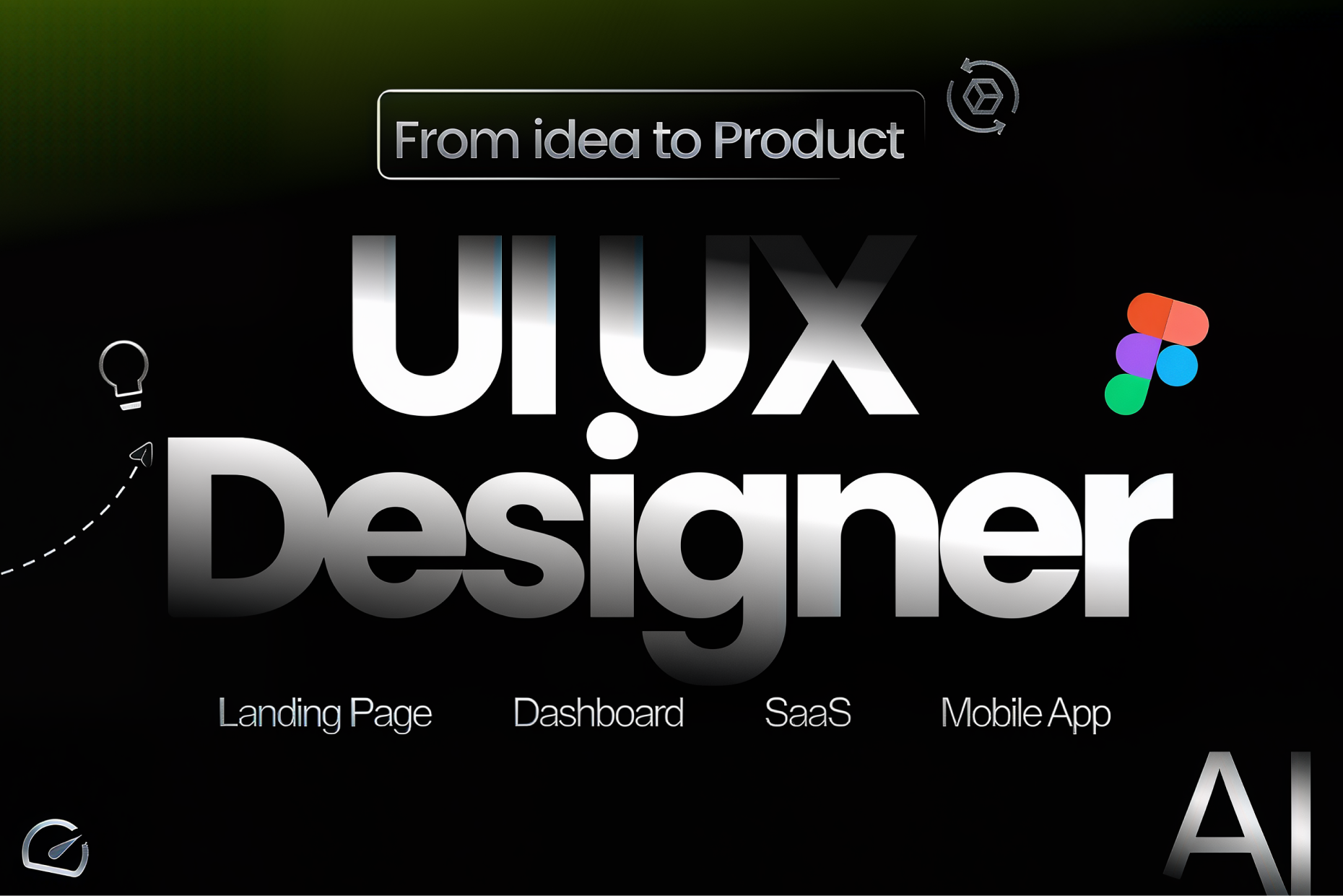
UI/UX Design Services: Creating Seamless Digital Experiences That Drive Business Growth
In today's digital world, users expect applications and websites to be fast, intuitive, and visually engaging. A great product is not only about powerful functionality—it is also about how easily users can interact with it. This is where UI/UX design becomes a key factor in business success.
Professional UI/UX design helps businesses create meaningful digital experiences that improve customer satisfaction, increase engagement, and build long-term trust. Whether it's a mobile application, SaaS platform, e-commerce website, or enterprise software, a well-designed interface directly impacts how users perceive and interact with your brand.
What is UI/UX Design?
UI (User Interface) Design focuses on the visual appearance of a digital product, while UX (User Experience) Design focuses on usability, navigation, and user satisfaction.
| UI Design | UX Design |
|---|---|
| Visual appearance | User experience |
| Colors, typography, icons | User flow & navigation |
| Brand consistency | Ease of use |
| Interactive elements | Customer satisfaction |
Why Businesses Need Professional UI/UX Design
- Improve customer engagement
- Increase conversion rates
- Reduce user frustration
- Strengthen brand identity
- Improve customer retention
- Create intuitive user journeys
- Build trust through consistent design
| Business Goal | UI/UX Value |
|---|---|
| More Conversions | Optimized user journeys |
| Customer Trust | Professional interfaces |
| Retention | Better user experience |
| Brand Growth | Consistent visual identity |
Key Features of Modern UI/UX Design
| Feature | Description |
|---|---|
| User Research | Understand users before designing. |
| Wireframing | Create layout structure. |
| Responsive Design | Works across all devices. |
| Interactive Prototype | Validate concepts before development. |
| Accessibility | Design for every user. |
UI/UX Design Process
| Step | Activity |
|---|---|
| 1 | Requirement Analysis |
| 2 | User Research |
| 3 | Wireframing |
| 4 | UI Design |
| 5 | Prototype |
| 6 | Usability Testing |
| 7 | Developer Handoff |
Tools Used
| Tool | Purpose |
|---|---|
| Figma | UI Design |
| Adobe XD | Prototype |
| Photoshop | Graphics |
| Illustrator | Icons |
| Framer | Interactive Prototype |
| Miro | User Journey Mapping |
Benefits
| Benefit | Business Impact |
|---|---|
| Higher Engagement | More active users |
| Better Conversion | Improved sales |
| Reduced Rework | Lower development cost |
| Brand Recognition | Professional identity |
Future of UI/UX Design
| Trend | Impact |
|---|---|
| AI Personalization | Customized experiences |
| Voice UI | Hands-free interaction |
| Micro Interactions | Higher engagement |
| Design Systems | Consistency |
Why Most Redesigns Do Not Move the Numbers
A common pattern: a business redesigns its website or app to look more modern, ships it, and conversion rates do not meaningfully change. The redesign usually succeeded at looking better — new colors, updated typography, cleaner spacing — while leaving the actual user journey untouched. Users could already find the signup button before the redesign; making it prettier does not change whether they understood why they should click it.
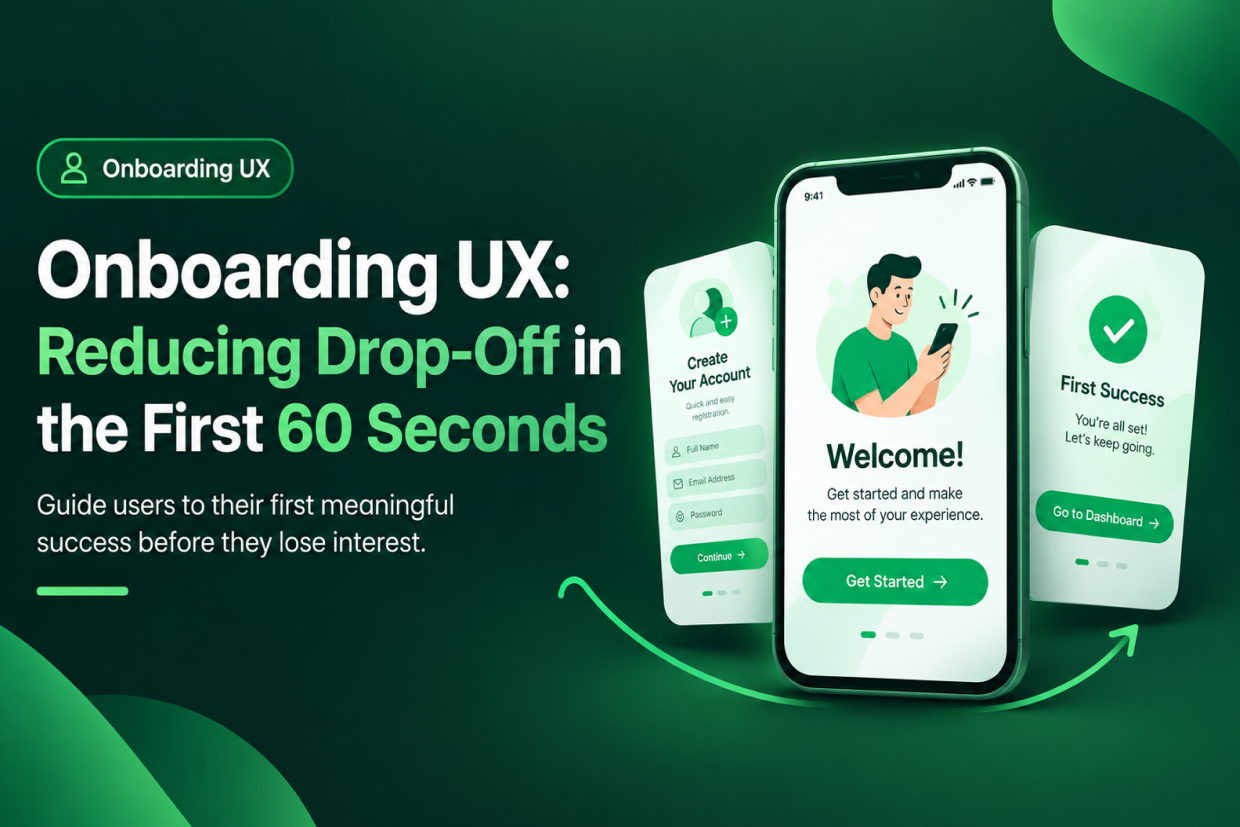
The redesigns that do move the numbers usually start from a different question: at which exact step are users currently dropping off, and why? That might be an unclear value proposition on the landing page, a signup form asking for information too early, or a checkout flow with too many steps before the user sees the total cost. Visual design applied to the right problem moves conversions. Visual design applied without first knowing the problem usually just makes the same experience look newer.
Usability Testing Catches What Internal Reviews Miss
A design that looks correct to the team that built it can still confuse a first-time user, because the team already knows how the product works. Watching a handful of real, unfamiliar users try to complete a specific task — without guiding them — consistently surfaces friction points that internal review, no matter how careful, tends to miss entirely.
Why Choose Vriksha Techno Solutions?
- Experienced UI/UX Designers
- User-Centered Design Process
- Responsive Web & Mobile Design
- Modern Design Systems
- Developer-Friendly Deliverables
Ready to transform your digital experience? Talk to our team →
Frequently Asked Questions
What is the difference between UI and UX?
UI focuses on visuals, while UX focuses on usability and user experience.
Do you design websites and mobile apps?
Yes. We design responsive websites, Android and iOS applications, SaaS products, dashboards, and enterprise software.
Ready to Build Your Next Digital Product?
Our experts will respond within 24 hours with a tailored approach for your project.