 Sep 19, 2026
Designing for People Who Don't Read Everything
Most users do not read every word on a website or inside an application. They scan headings, look for familiar patterns, notice highlighted information, and decide within seconds whether something deserves their attention. This does not mean users are careless. It means digital interfaces compete with limited attention. Good UX design takes this behavior into account by creating clear hierarchy, useful summaries, strong visual cues, and predictable navigation so people can understand important information without reading every sentence.

- Sep 18, 2026
The Problem With Running Every Environment 24/7
Development teams often keep development, testing, staging, and other environments running continuously because it feels convenient. Developers can access them at any time, automated jobs can run without interruption, and nobody has to think about starting or stopping infrastructure. But always-on environments can quietly increase cloud spending, create unused infrastructure, increase operational complexity, and make teams pay for capacity they are not actually using. This article explains where the cost comes from and how businesses can make non-production environments more efficient without slowing down development.

- Sep 17, 2026
AI Is Only as Good as the Data Behind It
Businesses often focus on selecting an AI model, building an attractive interface, and connecting automation to existing systems. But an AI application is only as reliable as the information supporting it. Incomplete records, outdated documents, duplicate data, inconsistent formats, and disconnected systems can quietly reduce the quality of AI outputs. This article explains why data quality matters, where AI projects commonly fail, and how businesses can create a stronger data foundation before putting AI into important workflows.
- Sep 16, 2026
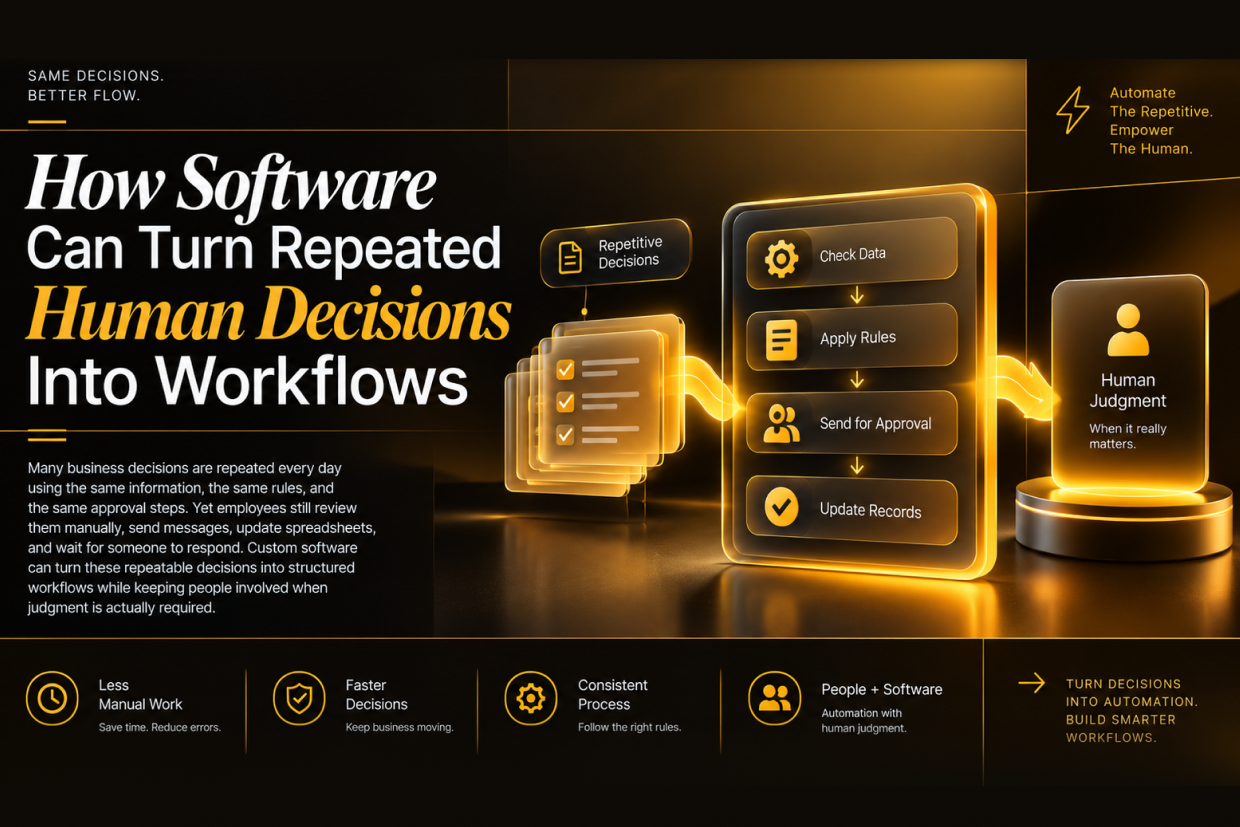
How Software Can Turn Repeated Human Decisions Into Workflows
Many business decisions are repeated every day using the same information, the same rules, and the same approval steps. Yet employees still review them manually, send messages, update spreadsheets, and wait for someone to respond. Custom software can turn these repeatable decisions into structured workflows while keeping people involved when judgment is actually required.
- Sep 15, 2026
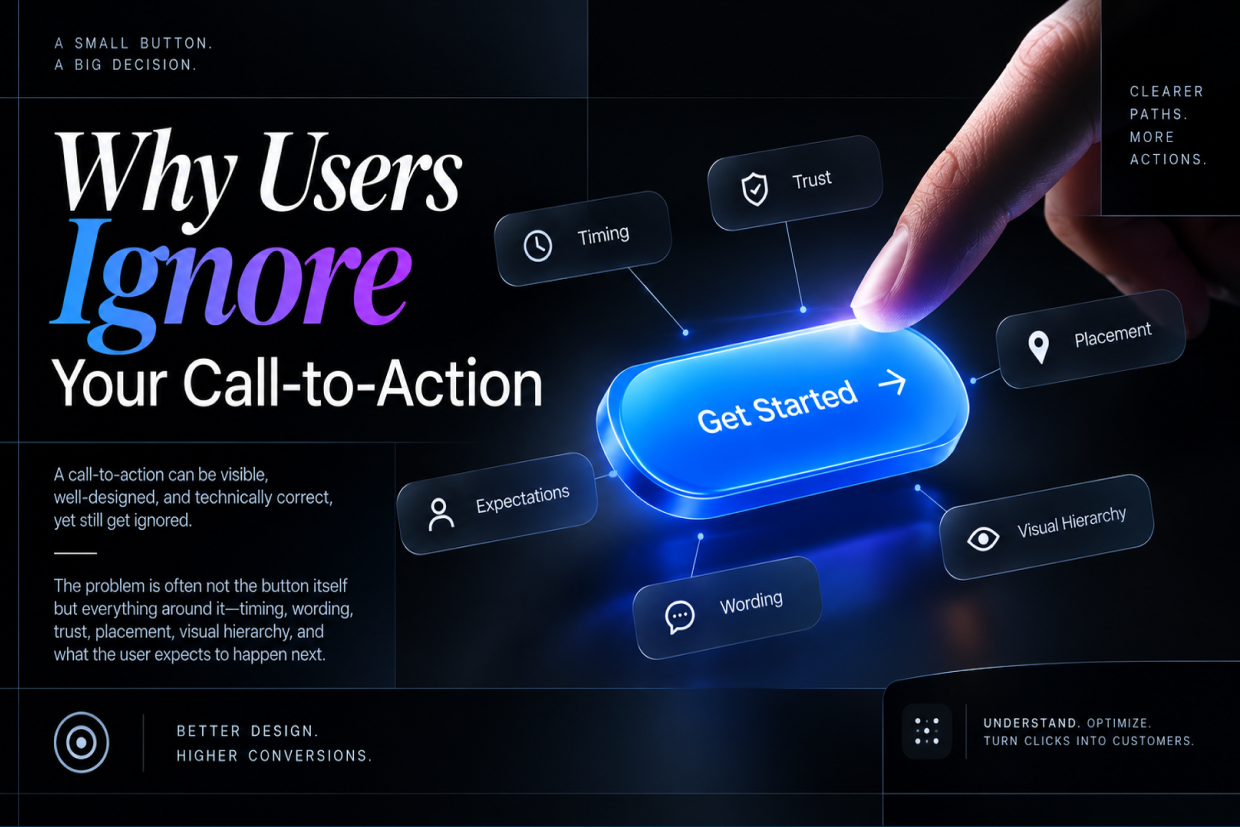
Why Users Ignore Your Call-to-Action
A call-to-action can be visible, well-designed, and technically correct, yet still get ignored. The problem is often not the button itself but everything around it—timing, wording, trust, placement, visual hierarchy, and what the user expects to happen next. This article explores why users ignore CTAs and how businesses can design clearer paths toward action.

- Sep 14, 2026
The Hidden Problem With Slow Websites and Large Images
A website can have good design, strong content, and reliable hosting and still feel slow because of one overlooked issue: heavy images. Large, unoptimized images increase page weight, delay important content, consume more bandwidth, and create a poor experience on mobile devices. This article explains how images slow websites down, where the problem usually comes from, and how businesses can improve performance without sacrificing visual quality.
Related Posts
-

Designing for People Who Don't Read Everything
19 Sep 2026 -

The Problem With Running Every Environment 24/7
18 Sep 2026 -

AI Is Only as Good as the Data Behind It
17 Sep 2026 -

-

Why Users Ignore Your Call-to-Action
15 Sep 2026