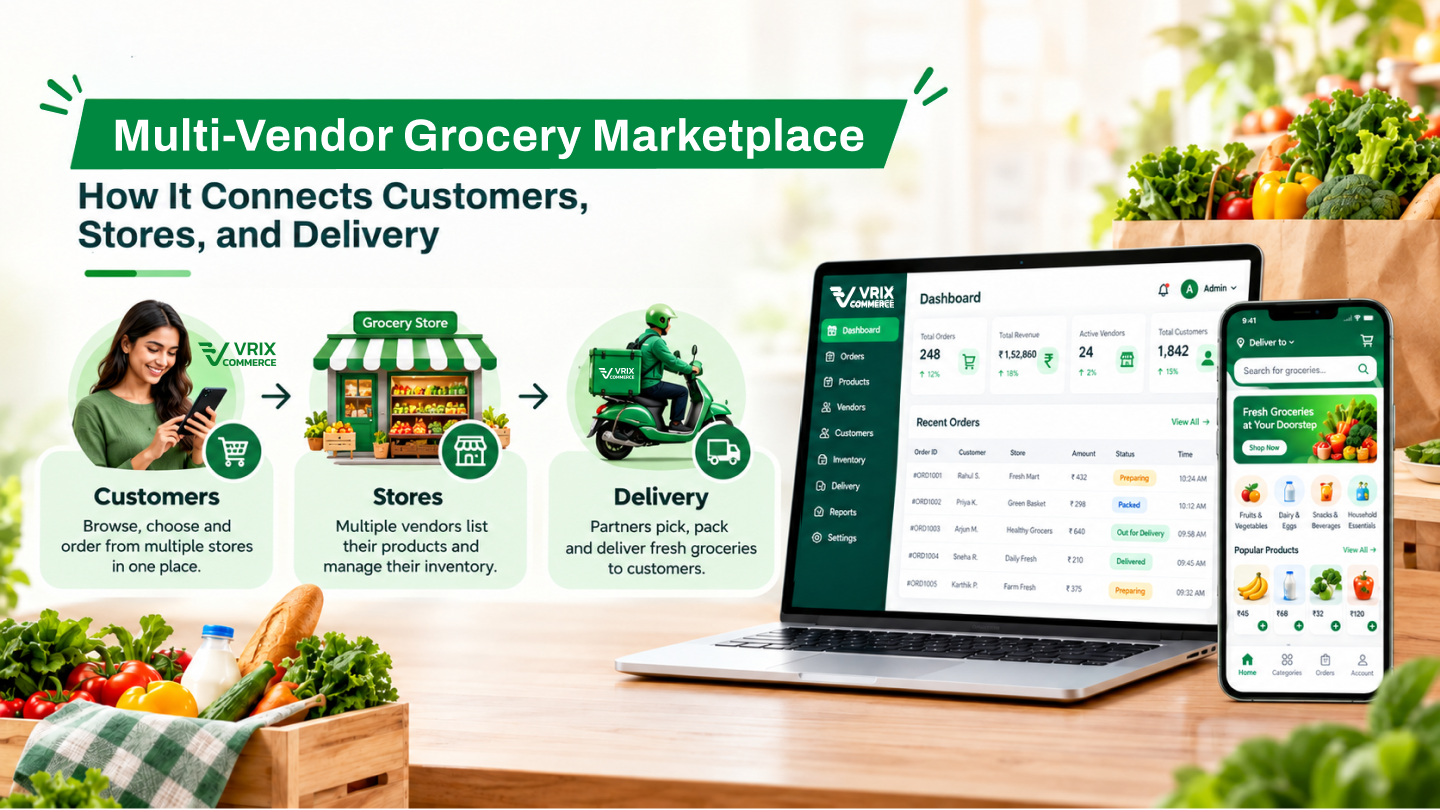
Short answer: if you run one supermarket, a kirana chain or a fresh-produce store, your own grocery delivery app lets you keep the customer, the order data and the margin that aggregators take as commission. It pays off when you already have repeat local customers, a clear delivery radius and someone who can keep stock levels accurate. If you want to bring many independent stores onto one platform, that is a different product: a multi-vendor grocery marketplace.
This guide is for store owners and retail chains, not marketplace founders. It covers when your own app makes sense, the features that matter for a single store, how to connect it to your billing counter, and a realistic launch plan.
Own App or Aggregator Listing: Which Do You Need?
Quick-commerce and grocery aggregators bring you new customers quickly, but they own the relationship. You pay a commission on every order, compete with other stores on the same screen, and rarely see who your best customers are. Your own app works the other way round: slower to start, but every repeat order is yours.
| Question | Aggregator listing | Your own app |
|---|---|---|
| Who owns the customer data? | The platform | You |
| Cost per order | Commission on every order, plus ads to stay visible | Payment gateway fee and your own delivery cost |
| Pricing and offers | Within platform rules | Your own loyalty, combos and member prices |
| Speed to first orders | Fast | Needs your existing customers to switch |
| Best for | Discovery by new customers | Repeat customers who already trust your store |
Many stores do both: stay on an aggregator for discovery, and move regular customers to their own app with better prices, free delivery above a basket value, or a loyalty wallet.
Features a Single-Store Grocery App Actually Needs
A marketplace needs seller onboarding, commissions and vendor payouts. A single store does not. Spend that budget on the things that make weekly grocery shopping easy instead.
1. Fast reorder and saved lists
Most grocery orders repeat. "Order again", saved monthly lists and one-tap reorder of last week's basket do more for sales than a fancy home screen.
2. Loose and weighted items
Vegetables, fruit, rice and dal are sold by weight. The app must handle 250 g / 500 g / 1 kg choices, and the final bill must adjust when the packed weight differs slightly from the ordered weight.
3. Substitutions and out-of-stock handling
Let customers choose "call me", "replace with similar" or "remove item" for each order. This one setting prevents most complaints in grocery delivery.
4. Delivery slots and a clear radius
Offer slots your team can actually meet, a minimum order value, and a delivery fee that drops above a basket size. Use the pin code or map pin to stop orders from outside your radius.
5. Store pickup
Click-and-collect costs you nothing in delivery and is popular for large monthly baskets. Show a pickup time and a counter or parking-lot handover option.
6. Payments Indian shoppers expect
UPI, cards, wallets and cash on delivery, plus a store wallet for refunds and loyalty points. Refunding short-picked items to the wallet instantly builds trust.
7. Picker and delivery app
Your staff need a simple app to see the picking list, mark items packed or unavailable, and update delivery status so the customer can track the order. We built this three-sided flow (customer, partner and delivery apps) for Fudzo; grocery uses the same pattern with a picking step added.
8. Offers, loyalty and WhatsApp updates
Member prices, combo packs, festival offers and order updates on WhatsApp or SMS keep customers coming back without paying for ads.
Connect the App to Your Billing and Stock
The biggest reason store apps fail is wrong stock. If the app shows an item your shelf does not have, the customer gets a substitution call or a short delivery. Before you build, decide how stock will stay in sync:
- POS or billing software integration: stock and prices sync from your billing system every few minutes. Best if your billing software has an API or export.
- Daily upload: a spreadsheet import each morning. Simple, but fast-moving items can still run out during the day.
- App as the main stock record: works for new or small stores that do not yet use billing software.
Whichever you pick, give staff a quick way to mark an item unavailable from the picker app. Connecting disconnected business systems is usually the part of a grocery project that needs the most care.
Website, App or Both?
For a single store, start with a mobile app for Android (most Indian shoppers) and a mobile-friendly web store for people who will not install an app. iOS can follow if your customers ask for it. If you plan to open more branches, choose a setup that supports branch-wise stock and prices from day one, so you do not rebuild later.
Ready-Made Base or Fully Custom?
A ready-made commerce base such as Vrix Commerce gives you catalogue, cart, payments, delivery and admin out of the box, and you customise the branding and the store-specific flows (weights, slots, substitutions, billing sync). That is the faster and cheaper route for most single stores and small chains. A fully custom build makes sense when you have unusual workflows, many branches with different pricing, or an existing ERP that must stay the source of truth. Our grocery delivery app development page explains both routes.
A Realistic Launch Plan
- Weeks 1-2: clean your product list: names, photos, weights, prices and categories. This takes longer than the app itself.
- Weeks 2-6: set up the app, payments, delivery slots and the picker app; connect billing or set up the daily import.
- Soft launch: invite 50-100 regular customers, run real orders for two weeks and fix picking and substitution problems.
- Full launch: QR codes at the billing counter, a first-order offer and WhatsApp messages to your existing customer list.
- After launch: track repeat-order rate, average basket size and short-picked items every week. These three numbers tell you whether the app is working.
If shoppers visit the app but do not finish orders, our guide on why online stores get traffic but few completed orders covers the usual checkout fixes.
Common Mistakes Store Owners Make
- Launching with a messy catalogue (no photos, wrong prices, duplicate items).
- Promising 10-minute delivery without the staff or dark-store setup to do it.
- No substitution rule, so every missing item becomes a phone call.
- Building a multi-vendor marketplace when the plan is only to sell from your own store.
- No reason for customers to switch from the aggregator (no member price, loyalty or free delivery).
Planning Your Store's Own Grocery App?
Vriksha Tech has built e-commerce, delivery and retail-operations platforms for over 20 years, including multi-brand commerce for Helios and retail and workforce operations for Listez. Tell us about your store: number of branches, billing software and delivery radius. We will suggest whether a ready-made base or a custom build fits, with a feature list and timeline, free of charge. You can also see our mobile app development services.
Frequently Asked Questions
Should a single grocery store build its own app or stay on aggregators?
Many stores do both. Aggregators bring discovery, while your own app keeps repeat customers, their data and the margin you would otherwise pay as commission. Move regular customers to your app with member prices, loyalty or free delivery above a basket value.
What does a single-store grocery app need that a marketplace does not?
It does not need seller onboarding, commissions or vendor payouts. It needs fast reorder, weighted items, substitution choices, delivery slots, store pickup and a picker app for your staff.
Can the app sync stock and prices with my billing software?
Yes, if your billing or POS software has an API or export. Otherwise a daily spreadsheet import works, with staff marking items unavailable from the picker app during the day.
How long does it take to launch a grocery app for one store?
With a ready-made commerce base, about six weeks plus a two-week soft launch is realistic. Cleaning the product catalogue usually takes longer than setting up the app.
Can we add more branches later?
Yes, if branch-wise stock and pricing is planned from the start. Choosing that setup early avoids rebuilding when you open new branches.
Ready to Build Your Next Digital Product?
Our experts will respond within 24 hours with a tailored approach for your project.