Short answer: native mobile app development means building separate apps in each platform's own language: Kotlin for Android and Swift for iOS. Choose native when the app depends on heavy device features (camera, Bluetooth, background location), top performance or platform-specific design. If you mainly need forms, lists, bookings and payments on both platforms, a cross-platform framework such as Flutter or React Native is usually faster and cheaper. Either way, launch success comes from testing on real devices, a clean store submission and tracking the first weeks of usage.
This guide is for businesses about to build or launch an Android or iOS app. It covers 12 practical tips, a pre-launch checklist and the mistakes that most often delay a launch.
Mobile applications have become an important way for businesses to connect with customers, deliver services, and create convenient digital experiences. A well-planned native mobile app can help a business provide platform-specific functionality, improve customer engagement, and support its wider digital strategy.
However, launching a native mobile application involves more than designing screens and writing code. Businesses need to understand their audience, define the purpose of the app, select the right technology, plan the content and user experience, and prepare for continuous improvements after launch.
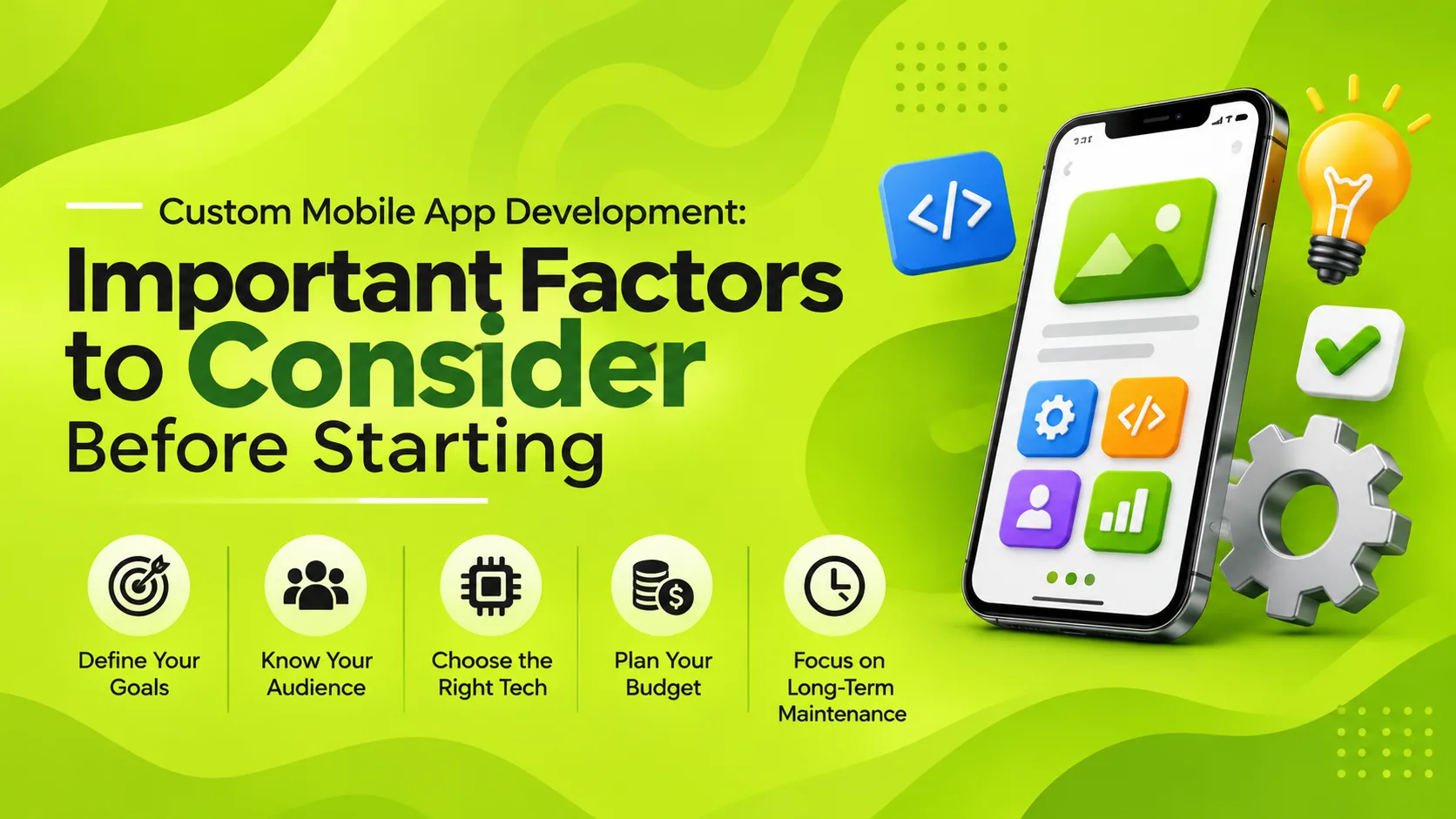
Before investing in native mobile app development, consider the following tips to prepare your application for a successful launch.
1. Understand Your Business Requirements
Every mobile application has a different purpose. An eCommerce app, a booking application, and a customer community platform may all run on smartphones, but their users, workflows, and technical requirements are different.
Start by understanding what your business and users actually need. Before moving into design and development, answer these questions:
- Why would your target audience install and use this application?
- What problem will the app solve for its users?
- How will the application support your business objectives?
- What features are essential for the first release?
- How might the application need to evolve in the future?
Market research, competitor analysis, user interviews, and requirement discussions can help you identify the right direction. This discovery work is important because decisions made early can influence the application's design, technology, and overall development effort.
2. Define Clear Goals for Your Native Mobile App
A mobile application should contribute to a broader business strategy. Simply launching an app does not guarantee more customers or higher revenue. You need to identify what the application is expected to achieve and how its performance will be evaluated.
Different businesses may have different goals:
eCommerce Businesses
An eCommerce business may develop a native app to make product discovery, shopping, payments, and order tracking more convenient for customers who prefer using smartphones.
Product-Based Businesses
A business offering a physical product or digital service may use a mobile app to provide product information, connected features, personalised experiences, or easier access to support.
Community-Based Businesses
Businesses that want to build a community can use mobile applications to support member profiles, discussions, notifications, content sharing, and interactions between users.
Service-Based Businesses
Service providers may use mobile applications to manage appointments, customer requests, service updates, payments, and communication.
Choose goals that can be measured. Depending on the app's purpose, useful performance indicators may include:
- Average Order Value (AOV): The average amount spent per completed order.
- Average Revenue Per User (ARPU): The average revenue generated per user during a defined period.
- Customer Lifetime Value (LTV): An estimate of the revenue a customer generates throughout their relationship with the business.
- User retention: The percentage of users who return to the application over a defined period.
- Conversion rate: The percentage of users who complete a desired action, such as making a purchase or booking a service.
Not every metric applies to every app. Select indicators that reflect the business outcomes you want to improve.
3. Choose the Right Native Development Platform
Native applications are developed specifically for an operating system. The two major mobile platforms are Android and iOS, and each has its own development environment, design guidelines, and technical requirements.
Native Android Development
Android applications are commonly developed using Kotlin and Android's development tools. Native Android development is suitable when a business wants an application designed around Android platform capabilities and user experience patterns.
Native iOS Development
iOS applications are commonly developed using Swift and Apple's development tools. Native iOS development allows the application to follow Apple's platform conventions and use supported iOS capabilities.
When deciding which platform to launch first, consider:
- Which platform is most commonly used by your target audience?
- Which geographical markets are you planning to serve?
- Does your application depend on specific device capabilities?
- What is your available development and maintenance budget?
- Will you eventually need to support both platforms?
If your audience is concentrated on one platform, launching there first may be a practical approach. You can evaluate user adoption and business performance before expanding to another platform.
If you need to support Android and iOS from the beginning, compare native development with cross-platform alternatives. The decision should be based on the required user experience, integrations, performance, development resources, and long-term maintenance needs. Read our guide on Flutter vs. React Native for mobile app development for more information about cross-platform options.
4. Select a Scalable Technology Stack
The technology stack is the foundation of your application. It includes the programming languages, development frameworks, backend services, databases, APIs, and infrastructure required to operate the app.
Technology decisions should support both the current requirements and the application's expected growth.
Consider these areas:
- Programming language: Select technologies suited to the target operating system and application requirements.
- Backend architecture: Plan how the app will process business logic, user requests, and transactions.
- Database: Choose a suitable system for storing and retrieving application data.
- API architecture: Plan how the mobile app will communicate with servers and external services.
- Cloud infrastructure: Consider hosting, availability, storage, and the ability to handle changing usage levels.
- Security: Include appropriate authentication, access controls, secure communication, and data protection.
Scalability is particularly important. As the number of users and transactions increases, the application and its supporting infrastructure may need to handle greater demand. Planning for monitoring, performance optimisation, and infrastructure growth can reduce the risk of avoidable limitations.
5. Follow an Iterative Development Process
Native mobile app development should not be treated as a single activity that ends when the app is published. A structured, iterative process allows businesses to validate their requirements, review working features, and improve the product using feedback.
A practical development process can be organised into four stages:
Stage 1: Discovery
The discovery stage involves understanding the business idea, target audience, market, competitors, and functional requirements. The team identifies the application's scope, user roles, workflows, and technical dependencies.
Stage 2: Design
The design stage translates requirements into user journeys, wireframes, interface designs, and prototypes. It helps stakeholders review the application's structure and experience before full development begins.
Stage 3: Development
During development, the team builds the mobile application, backend services, database structure, and required integrations. Work can be divided into manageable iterations so that features can be reviewed as they become available.
Stage 4: Insights and Improvement
After release, businesses should monitor performance, study user behaviour, collect feedback, and identify improvements. These insights can help define priorities for future development iterations.
This approach creates a continuous cycle of discovery, implementation, evaluation, and improvement rather than relying on assumptions made before launch.
6. Use a Content-First Approach to App Design
Content is an important part of the mobile user experience. It includes more than articles or product descriptions. Button labels, navigation names, instructions, notifications, error messages, onboarding screens, and promotional messages all influence how users understand and interact with an application.
Plan your app content alongside the interface design instead of adding it as an afterthought.
Define the Brand Tone
Decide how the application should communicate with users. The language may be formal, friendly, informative, or conversational depending on the brand and audience. Keep the tone consistent across screens and notifications.
Understand Different User Groups
Some users may be new to your service, while others may already understand its features. Organise information so that new users receive clear guidance and experienced users can complete tasks efficiently.
Give Every Message a Purpose
Each piece of content should help users understand, decide, or act. For example, an onboarding message may explain a feature, a payment screen may confirm transaction details, and an error message may explain how to resolve a problem.
Keep Content Clear and Concise
Mobile screens have limited space. Use understandable labels, short instructions, meaningful headings, and clear calls to action. Avoid unnecessary text that makes important tasks harder to complete.
7. Design for a Smooth Native User Experience
Native apps should feel familiar to users of their respective operating systems. Following platform design conventions can make navigation and interaction easier to understand.
During UI/UX design, pay attention to:
- Platform-appropriate navigation and interaction patterns
- Consistent buttons, icons, typography, and spacing
- Layouts that work across supported screen sizes
- Clear loading, success, empty, and error states
- Accessible text, controls, and colour contrast
- Simple registration and onboarding journeys
- Helpful feedback after important user actions
Build wireframes and prototypes to review the user journey before implementing every screen. Testing prototypes with representative users can help reveal confusing navigation and missing steps early.
8. Plan for Device Features and Third-Party Integrations
One reason businesses choose native development is the ability to use platform-supported device features. Depending on the application's purpose and user permissions, these may include:
- Camera and photo library access
- GPS and location services
- Biometric authentication
- Push notifications
- Bluetooth and connected devices
- Device storage and file access
- Platform-specific sharing and accessibility features
Applications may also need to connect with external services, including payment gateways, maps, CRM systems, ERP platforms, analytics tools, and communication services.
Plan these integrations early. Review their technical documentation, supported platforms, permission requirements, costs, and limitations. Request only the device permissions that are necessary for the app's functionality and explain their purpose clearly to users.
9. Test the Application Before Launch
Testing is essential to confirm that the application works as expected before it reaches users. Native apps need to be tested across supported devices, operating system versions, screen sizes, and usage conditions.
Important testing activities include:
- Functional testing: Verify that features and workflows work according to the requirements.
- Device compatibility testing: Check behaviour across the supported device range.
- Usability testing: Evaluate whether users can complete important tasks without confusion.
- Performance testing: Review loading times, responsiveness, resource usage, and stability.
- Security testing: Check authentication, authorisation, data handling, and potential vulnerabilities.
- Integration testing: Verify communication with APIs and third-party services.
- Regression testing: Confirm that changes do not break previously working features.
Testing should include realistic scenarios, such as interrupted network connections, failed payments, denied permissions, and unexpected user inputs. Fixing these issues before launch can help deliver a more reliable experience.
10. Prepare for Launch and App Store Submission
Completing development and testing does not automatically mean the app is ready for public release. Businesses should prepare the app store listing and review the current submission requirements for their target platforms.
Launch preparation may include:
- App name, icon, and description
- Store screenshots and promotional assets
- Privacy policy and data disclosure information
- Required permissions and explanations
- App signing and release configuration
- Review of platform policies and technical requirements
- Customer support and feedback channels
- Marketing and user onboarding plans
Keep time available for store review and possible corrections. Submission requirements and platform policies can change, so check the latest official guidance before releasing the application.
11. Monitor App Performance After Launch
The launch is the beginning of the application's real-world usage. Once users start interacting with it, businesses need to evaluate whether it is meeting its goals.
Depending on the app category, useful performance indicators may include:
- Downloads and new registrations
- Daily and monthly active users
- Average order value and revenue per user
- User retention and repeat visits
- Feature adoption and engagement
- Conversion and transaction completion rates
- App crashes and error reports
- Customer feedback and support requests
Use analytics and feedback to understand what works and what needs improvement. For example, if users frequently abandon a booking process, reviewing the steps and simplifying the experience may help.
Metrics should be interpreted in the context of the app's purpose. A community application and an eCommerce application will not necessarily use the same measures of success.
12. Plan for Continuous Updates and Maintenance
Mobile applications operate within changing technical environments. New operating system versions, device updates, security requirements, third-party API changes, and evolving user expectations may require ongoing improvements.
A maintenance plan should cover:
- Bug fixes and stability improvements
- Operating system and device compatibility updates
- Security patches and dependency updates
- Performance monitoring and optimisation
- Third-party API and integration changes
- Feature enhancements based on user feedback
- Infrastructure monitoring and support
Regular maintenance helps protect the investment made in the application and keeps it useful as business requirements change.
Pre-Launch Checklist for Android and iOS Apps
Most launch delays come from store and device details, not from code. Check these before you submit:
- Store accounts in your company name: a Google Play Console and an Apple Developer account owned by your business, not by the developer.
- Google Play testing rule: new personal Play Console accounts must run a closed test with at least 12 testers for 14 days before going to production. Plan this into the timeline, or use an organisation account.
- Privacy forms: Apple's privacy labels and Google's Data safety form must match what the app actually collects. For users in India, collect consent clearly in line with the DPDP Act.
- Real-device testing: include at least one budget Android phone with low memory. Many issues only appear there; see why the same app behaves differently on different phones.
- Crash reporting and analytics: set up crash reports and key events (sign-up, purchase, booking) before launch, not after the first bad review.
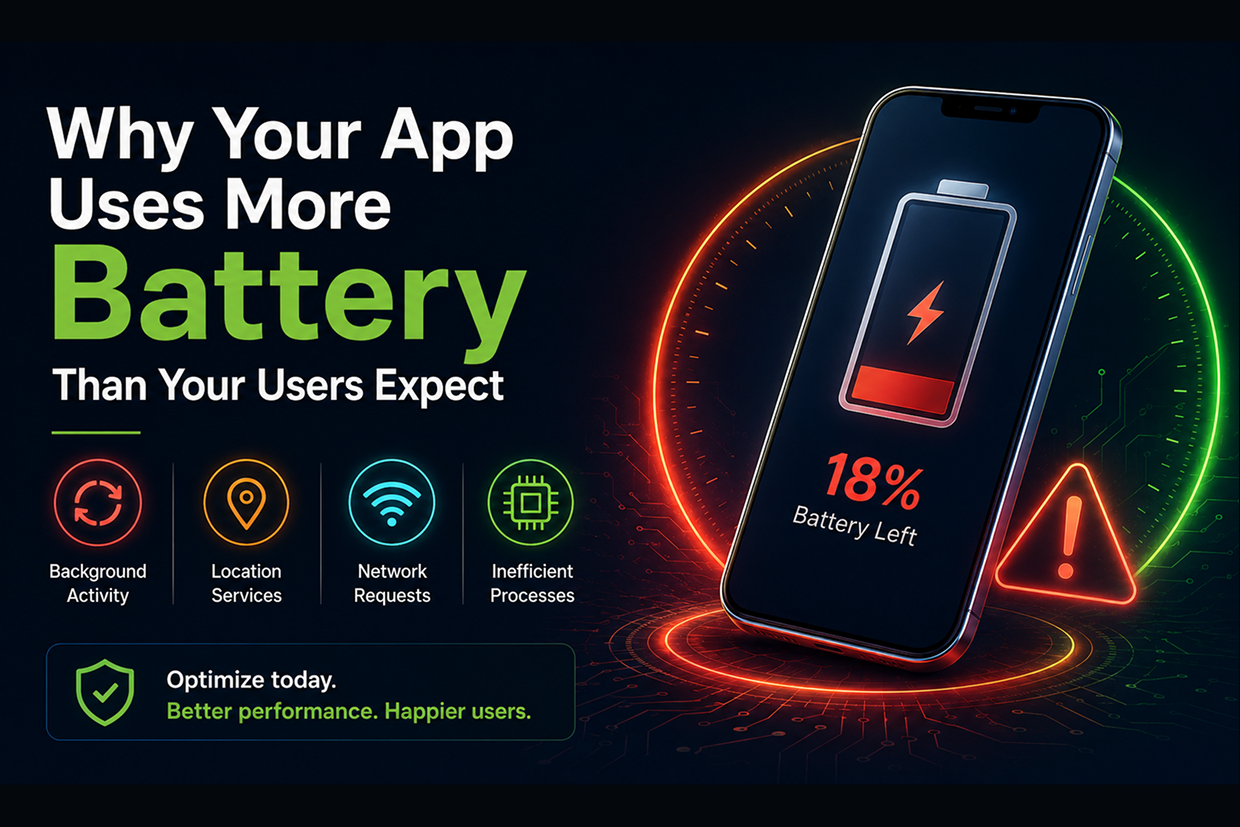
- Battery and data use: background location, polling and large images drain batteries; read why a mobile app uses too much battery.
- Staged release: use Google Play's staged rollout and Apple's phased release so a bug reaches a small share of users first.
- Store listing: clear screenshots, a first line that states the benefit and keywords your customers actually search for.
Not sure native is right for you? Compare the options in Flutter vs React Native: which framework is better, then decide with your must-have device features in hand.
Common Mistakes to Avoid Before Launching a Native App
Businesses can avoid many development and launch problems by recognising common planning mistakes early.
- Building without market research: Validate the idea and understand user expectations before development.
- Unclear business objectives: Define what the app should achieve and how success will be measured.
- Choosing technology without evaluating requirements: Select a platform and stack based on functionality, user needs, and future plans.
- Ignoring scalability: Consider how the backend and infrastructure will respond as usage grows.
- Leaving content until the end: Plan instructions, labels, and messaging as part of the user experience.
- Skipping real-device testing: Test on representative devices and supported operating system versions.
- Stopping work after launch: Prepare for analytics, maintenance, and continuous improvement.
Conclusion
Launching a native mobile application requires a clear strategy that connects business goals with user needs and technical decisions. Market research, platform selection, scalable architecture, content planning, iterative development, testing, and performance monitoring all contribute to building a useful application.
Rather than treating launch as the final milestone, businesses should view it as the start of an ongoing process of learning and improvement. A well-planned native app can evolve with user expectations and changing business requirements.
Getting ready to launch, or still choosing between native and cross-platform? Tell us about your app and the device features it needs. We will send you a free recommendation on native vs cross-platform, a launch checklist for your app and a phased plan. Our team has shipped multi-app products such as Fudzo (customer, restaurant and delivery partner apps). Vriksha Tech has built web and mobile software from Chennai since 2006, with 800+ clients and 1,200+ projects delivered. See our mobile app development services.
Ready to Build Your Next Digital Product?
Our experts will respond within 24 hours with a tailored approach for your project.