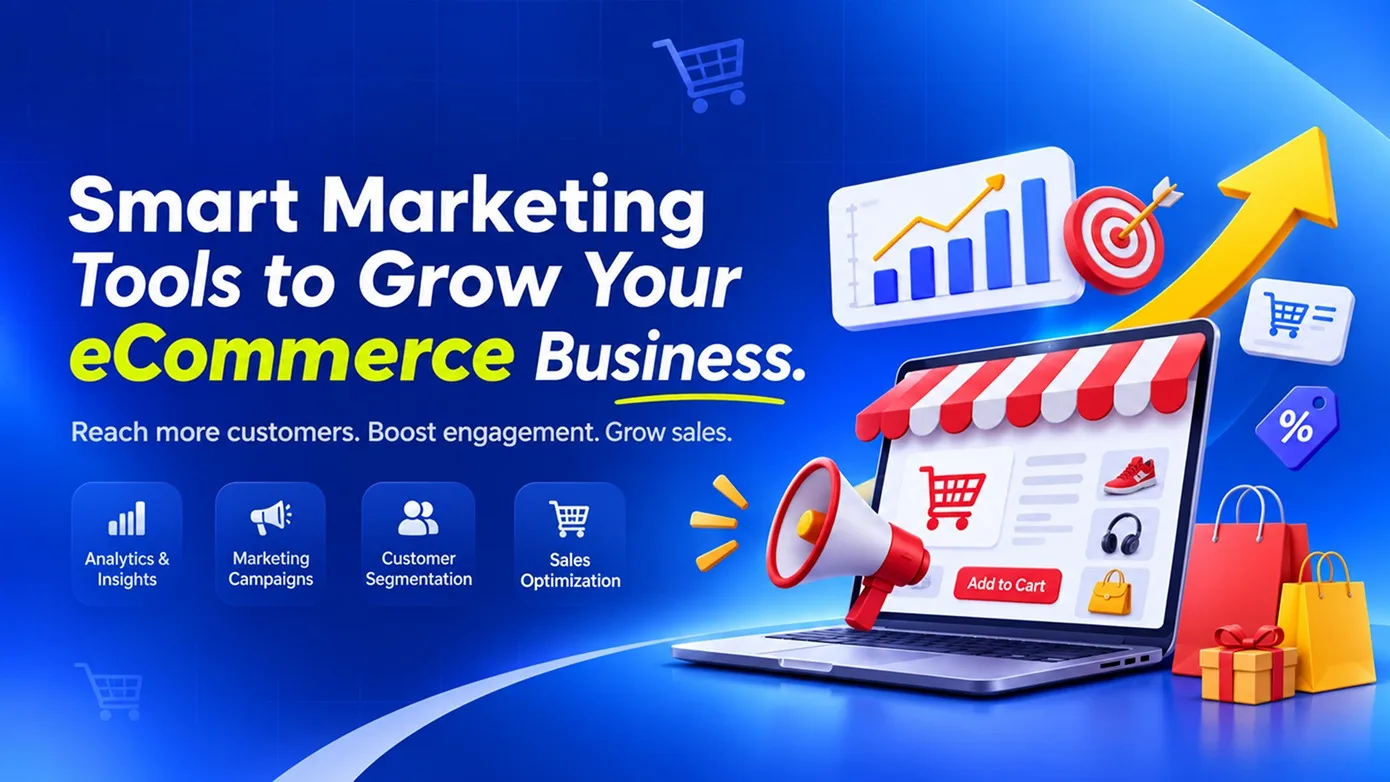
Short answer: most online stores need fewer marketing tools than they think. A new store can grow with free essentials (Google Search Console, Google Analytics 4, Google Merchant Center and a WhatsApp Business account) plus one email or WhatsApp automation tool. What matters more is that your store sends clean data to these tools: product feeds, purchase events, abandoned-cart triggers and customer records. Add paid tools only when a specific number, like cart recovery or repeat purchase rate, needs fixing.
Running an eCommerce business involves more than listing products and processing orders. Businesses also need to attract potential customers, build brand awareness, encourage purchases, and maintain relationships with existing buyers.
As an online store grows, managing every marketing activity manually becomes difficult. Businesses may need to handle search engine optimisation, social media campaigns, email communication, customer enquiries, advertising, and performance tracking at the same time.
This is where eCommerce marketing tools become useful. They help businesses organise marketing activities, understand customer behaviour, automate repetitive tasks, and make better decisions using performance data.
This guide is for D2C brands and online store owners. It covers the main categories of marketing tools, how to choose them, a starter stack by store stage, and the features to build into the store itself so the tools actually work.
Why Does an eCommerce Business Need Marketing Tools?
Marketing tools help online businesses manage customer acquisition and engagement more efficiently. Instead of handling every activity separately, businesses can use dedicated platforms to plan, execute, monitor, and improve their marketing campaigns.
Some important benefits include:
- Better customer reach: Help businesses promote products across search engines, social media, email, and other digital channels.
- Improved customer engagement: Support communication with customers through relevant messages, offers, and updates.
- Marketing automation: Reduce repetitive work through scheduled campaigns and automated follow-ups.
- Better decision-making: Provide performance information that helps businesses understand which activities are working.
- Higher conversion opportunities: Help identify problems in the shopping journey and improve the experience.
- Customer retention: Support loyalty campaigns and ongoing communication with existing customers.
The objective is not to use as many tools as possible. It is to select tools that solve actual marketing problems and work well with the existing eCommerce system.
Important Categories of eCommerce Marketing Tools
Different marketing tools serve different purposes. An online store may need SEO tools to improve search visibility, social media tools to manage content, and analytics tools to measure customer activity.
1. Search Engine Optimisation (SEO) Tools
SEO tools help businesses improve their visibility in search engine results. When customers search for products or related information, a well-optimised online store has a better opportunity to appear for relevant searches.
SEO tools can support activities such as:
- Keyword research and search-term analysis
- Competitor and search-result research
- Website performance and technical SEO checks
- Product page and category page optimisation
- Backlink monitoring
- Search performance tracking
For example, an online clothing store can research the phrases customers use when searching for specific product types. It can then improve product titles, descriptions, category pages, and supporting blog content around relevant search terms.
Examples of tools in this category include Google Search Console, Google Keyword Planner, and SEO research platforms such as Ahrefs and Semrush.
2. Social Media Management Tools
Social media platforms allow eCommerce businesses to showcase products, share updates, communicate with customers, and build brand recognition.
Managing multiple social media accounts manually can take considerable time. Social media management tools help businesses organise their publishing activities from a central workspace.
Common capabilities include:
- Scheduling posts in advance
- Managing multiple social media accounts
- Planning content calendars
- Reviewing and approving posts
- Monitoring engagement and performance
- Collaborating with marketing team members
For example, a home decor store can plan product photos, promotional posts, seasonal campaigns, and customer stories in advance rather than publishing everything manually each day.
Examples include Buffer, Hootsuite, and other social media management platforms.
3. Email Marketing and Automation Tools
Email marketing helps eCommerce businesses maintain communication with customers before and after a purchase. It can be used to share product updates, promotional offers, order-related communication, and personalised recommendations.
Email marketing platforms commonly provide:
- Email campaign creation and scheduling
- Subscriber list management
- Audience segmentation
- Automated welcome emails
- Abandoned-cart reminders
- Post-purchase communication
- Campaign performance reports
For example, when a customer signs up for an online store, the business can send a welcome email introducing its products. If the customer adds an item to the cart but does not complete the purchase, an appropriately configured reminder may encourage them to return.
Examples include Mailchimp and Omnisend. The available features and integrations should be checked against the store's platform and business requirements.
4. Customer Relationship Management (CRM) Tools
CRM tools help businesses organise customer information and manage ongoing interactions. Instead of keeping customer details across disconnected spreadsheets and communication channels, a CRM can provide a centralised view of customer relationships.
Common CRM capabilities include:
- Customer contact management
- Purchase and interaction history
- Customer segmentation
- Follow-up reminders
- Sales and support activity tracking
- Customer communication records
For example, an eCommerce business can identify repeat customers and understand their previous interactions. This information can help the marketing team plan relevant communication and customer retention campaigns.
CRM tools may also integrate with an online store so that customer and order information can be used across sales and marketing activities.
5. Website Analytics Tools
Attracting visitors is only one part of eCommerce marketing. Businesses also need to understand what visitors do after reaching the website.
Analytics tools help measure how customers discover a store, which pages they visit, and where they leave the shopping journey.
Important measurements may include:
- Website visitors and traffic sources
- Product and category page views
- Customer engagement
- Add-to-cart activity
- Checkout completion
- Purchase conversions
- Campaign performance
For example, if a product page receives many visitors but few customers add the product to their cart, the business can investigate the product information, pricing, images, or user experience.
Google Analytics is one example of a website analytics platform. Businesses should configure appropriate events and eCommerce tracking to measure the activities that matter to them.
6. Conversion Rate Optimisation Tools
Conversion Rate Optimisation (CRO) focuses on improving the percentage of website visitors who complete a desired action, such as purchasing a product or signing up for an account.
CRO tools help businesses understand how visitors interact with their websites and identify areas that may need improvement.
Useful capabilities include:
- Heatmaps showing interaction patterns
- Session recordings, where appropriately configured
- Customer feedback and surveys
- A/B testing of page variations
- Landing page performance analysis
- Conversion funnel analysis
For example, a business can test two different product page layouts to understand which one makes product information easier to find. The results can guide future design improvements.
Examples include Hotjar and dedicated experimentation platforms. Any visitor recording or tracking should be configured with suitable privacy controls and consent practices.
7. Paid Advertising and Campaign Management Tools
Paid advertising helps businesses reach potential customers through sponsored placements on search engines, social networks, and other digital channels.
Advertising platforms allow businesses to create campaigns, define audiences, set budgets, and monitor results.
Common activities include:
- Search advertising
- Social media advertising
- Product-focused campaigns
- Remarketing and retargeting
- Audience targeting
- Campaign budget management
- Ad performance analysis
For example, an online electronics store can run a search campaign for selected product categories and measure the purchases generated through those advertisements.
Examples include Google Ads and Meta Ads Manager. Campaign selection should be based on the target audience, product type, marketing budget, and business objectives.
8. Customer Support and Live Chat Tools
Customers may have questions about product specifications, delivery, returns, payment methods, and order status before making a purchase. Slow or unclear responses can affect their confidence in the store.
Customer support tools help businesses manage enquiries across different communication channels.
Useful features include:
- Live chat on the website
- Centralised customer enquiry management
- Support ticket creation
- Frequently asked questions
- Automated responses for common queries
- Customer conversation history
For example, a customer browsing a product page may ask whether a particular size is available. A support team member can respond through live chat and help the customer make an informed decision.
Examples include Zendesk and other customer support platforms.
How to Choose the Right Marketing Tools for Your eCommerce Business
Not every online store needs every marketing tool. The right selection depends on the business size, product category, customer base, available resources, and marketing objectives.
1. Identify Your Marketing Goals
Start by identifying the problem you want to solve. If your store receives very little organic traffic, SEO tools may be a priority. If visitors arrive but do not purchase, analytics and conversion optimisation may be more useful.
Define measurable goals such as increasing qualified website traffic, improving customer engagement, reducing abandoned carts, or encouraging repeat purchases.
2. Understand Your Target Audience
Understand where your customers discover products, how they communicate with brands, and what influences their purchase decisions.
This helps you select marketing channels and tools that match actual customer behaviour rather than investing in platforms that your audience rarely uses.
3. Check Integration Capabilities
Marketing tools should work with your existing eCommerce website, payment systems, CRM, and other business applications wherever required.
For example, integrating an email marketing platform with your online store can help use order and customer information for relevant campaigns. Without proper integration, teams may need to transfer information manually between systems.
4. Compare Features and Pricing
Compare tools based on the features you actually need, not simply the number of features advertised. Review pricing plans, usage limits, user access, support options, and integration availability.
Some platforms offer free plans or trials, while others require paid subscriptions. Check the current terms directly with the provider before making a decision.
5. Consider Ease of Use and Scalability
A tool should be practical for the team that will use it. Complicated systems can create additional work if employees need extensive training for everyday activities.
Also consider whether the tool can support future requirements, such as a larger customer database, additional product categories, or more marketing channels.
6. Measure Results Regularly
After implementing a tool, review whether it is helping the business achieve its goals. Monitor relevant metrics and adjust campaigns or workflows based on the results.
Marketing tools should support better decisions, not become another collection of subscriptions that nobody regularly uses.
How Marketing Tools Work Together in an eCommerce Business
Using separate tools for different activities is common, but their value increases when they work together as part of a connected marketing process.
Consider a simple example of a customer discovering and purchasing a product:
- Discovery: SEO and advertising activities bring a potential customer to the online store.
- Engagement: Social media content and product pages introduce the products and encourage further browsing.
- Customer interaction: Live chat or support tools help answer questions about products and delivery.
- Purchase: The customer completes the order through the eCommerce checkout.
- Follow-up: Email marketing tools send appropriate order updates and post-purchase communication.
- Analysis: Analytics tools help the business understand traffic, customer activity, and conversions.
- Retention: CRM and marketing automation tools support relevant communication with existing customers.
When these activities are properly connected, the business can manage customer interactions more consistently and reduce unnecessary manual work.
Common Mistakes to Avoid When Using eCommerce Marketing Tools
Even with access to useful marketing tools, businesses may struggle to achieve results if the tools are not selected or managed properly.
1. Using Too Many Tools
Subscribing to several tools with overlapping features can increase costs and create unnecessary complexity. Start with the tools that solve your most important business problems.
2. Ignoring Customer Data
Collecting customer and campaign data is not enough. Businesses need to review the information and use it to improve marketing decisions.
3. Focusing Only on Website Traffic
High website traffic does not automatically mean higher sales. Businesses should also monitor product engagement, checkout activity, conversions, and repeat purchases.
4. Not Connecting Business Systems
Disconnected marketing, sales, and customer support systems can create duplicate records and manual work. Suitable integrations can help information move between systems more efficiently.
5. Ignoring the Customer Experience
Marketing campaigns may attract visitors, but a confusing website, unclear product information, or difficult checkout process can discourage purchases. Marketing improvements should go hand in hand with website usability.
6. Failing to Review Campaign Performance
Marketing activities should be reviewed regularly. Businesses need to understand which campaigns are effective, which channels need improvement, and where their budget is being used.
Can Custom Software Improve eCommerce Marketing?
Ready-made marketing tools can handle many common requirements. However, businesses with specific workflows or multiple connected systems may need additional customisation and integration.
Custom software can help create a more connected marketing environment by bringing relevant business information and processes together.
Possible custom development opportunities include:
- Centralised marketing dashboards: Display selected campaign, sales, and customer information in one place.
- CRM and eCommerce integration: Connect customer records, purchase history, and follow-up activities.
- Automated customer workflows: Trigger relevant actions based on order status, customer activity, or other defined conditions.
- Custom reporting: Generate reports based on business-specific marketing and sales requirements.
- Third-party API integrations: Connect the online store with selected marketing, analytics, and communication services.
For example, a business operating multiple online stores may want a centralised dashboard that combines selected sales and campaign information. A custom application can be designed around that specific requirement, subject to the available APIs and integration capabilities.
The decision between ready-made tools and custom software should be based on actual requirements, integration limitations, operational complexity, and long-term cost.
A Starter Marketing Stack by Store Stage
| Stage | Focus | Typical tools |
|---|---|---|
| New store (first orders) | Get found and measure | Google Search Console, Google Analytics 4, Google Merchant Center (free listings), WhatsApp Business |
| Growing store (steady orders) | Recover carts and win repeat buyers | An email or WhatsApp automation tool, reviews collection, a basic CRM or customer list with segments |
| Scaling store (paid ads, many SKUs) | Spend efficiently | Ads with server-side conversion tracking, product feed management, loyalty and referral programmes |
What to Build Into Your Store So the Tools Work
Marketing tools are only as good as the data your store sends them. These store-side features usually make a bigger difference than switching tools:
- Accurate product feed: titles, prices, stock and images kept in sync for Google Shopping and social catalogues.
- Purchase and checkout events: add-to-cart, checkout and purchase events sent reliably, including server-side, so ad platforms optimise for real sales.
- Abandoned-cart triggers: WhatsApp or email reminders sent from real cart data, with a direct link back to the filled cart. Our guide on reducing cart abandonment covers the checkout side.
- Product structured data: price, availability and review markup so products show rich results in search.
- Customer records in one place: orders, enquiries and support chats linked to one customer, so segments and offers are based on what people actually bought.
If your store gets visitors but few orders, fix that first: see why online stores get traffic but few completed orders. More marketing traffic will not help a leaky checkout.
Need a Store That Works With Your Marketing?
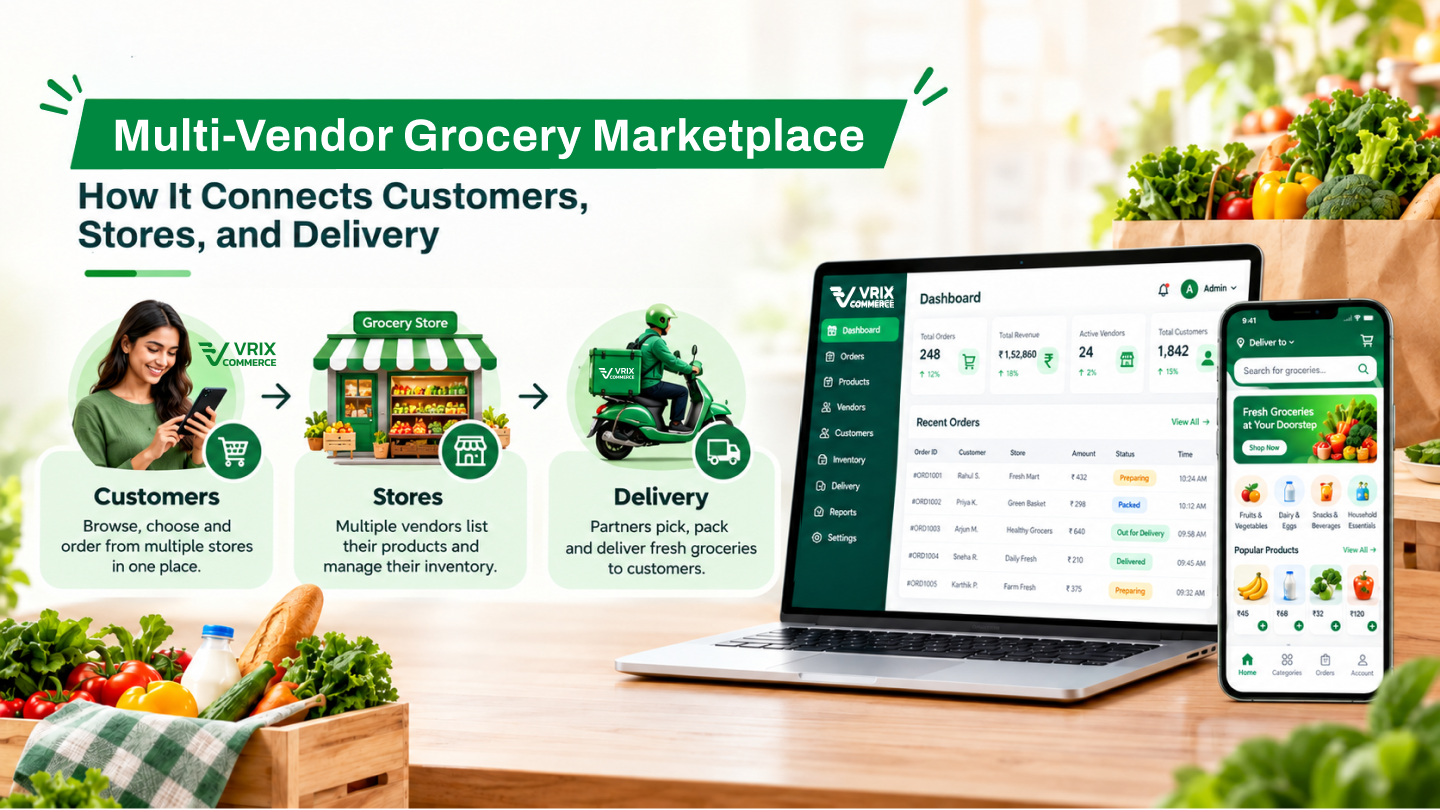
We built the multi-brand online store for Helios, and our Vrix Commerce platform ships with product feeds, checkout events and customer records ready for marketing tools. Tell us your store platform and the tools you use, and we will send a free list of the integration gaps holding back your marketing, with what each fix involves. Vriksha Tech has built web and mobile software in Chennai since 2006.
Frequently Asked Questions
What are eCommerce marketing tools?
eCommerce marketing tools are software platforms that help online businesses manage activities such as SEO, social media, email campaigns, customer relationships, advertising, analytics, and customer support.
Which marketing tools are important for a new eCommerce business?
A new online store can begin with tools for website analytics, SEO, social media management, email communication, and customer support. The selection should depend on the store's goals and available budget.
How do marketing automation tools help eCommerce businesses?
Marketing automation tools can handle predefined activities such as welcome emails, abandoned-cart reminders, customer follow-ups, and scheduled campaigns. This reduces repetitive manual work and helps maintain consistent communication.
What is the difference between CRM and email marketing tools?
CRM tools primarily help manage customer information and interactions. Email marketing tools focus on creating, sending, and measuring email campaigns. They can be integrated to support more relevant customer communication.
Can marketing tools improve eCommerce sales?
Marketing tools can support sales growth by improving customer reach, engagement, campaign management, and conversion analysis. Actual results depend on the marketing strategy, product offering, customer experience, and how effectively the tools are used.
Should an eCommerce business use free or paid marketing tools?
Free tools may be sufficient for businesses with basic requirements. Paid tools may be useful when a business needs additional automation, integrations, reporting, or higher usage limits. Compare the available features and current pricing before selecting a plan.
Can different eCommerce marketing tools be integrated?
Many marketing platforms support integrations through built-in connectors or APIs. The available integration options depend on the tools and eCommerce platform being used.
When should an eCommerce business consider custom marketing software?
Custom software may be useful when ready-made tools cannot support specific workflows, reporting requirements, or integrations. Businesses should evaluate the development and maintenance costs against the benefits before deciding.
Ready to Build Your Next Digital Product?
Our experts will respond within 24 hours with a tailored approach for your project.