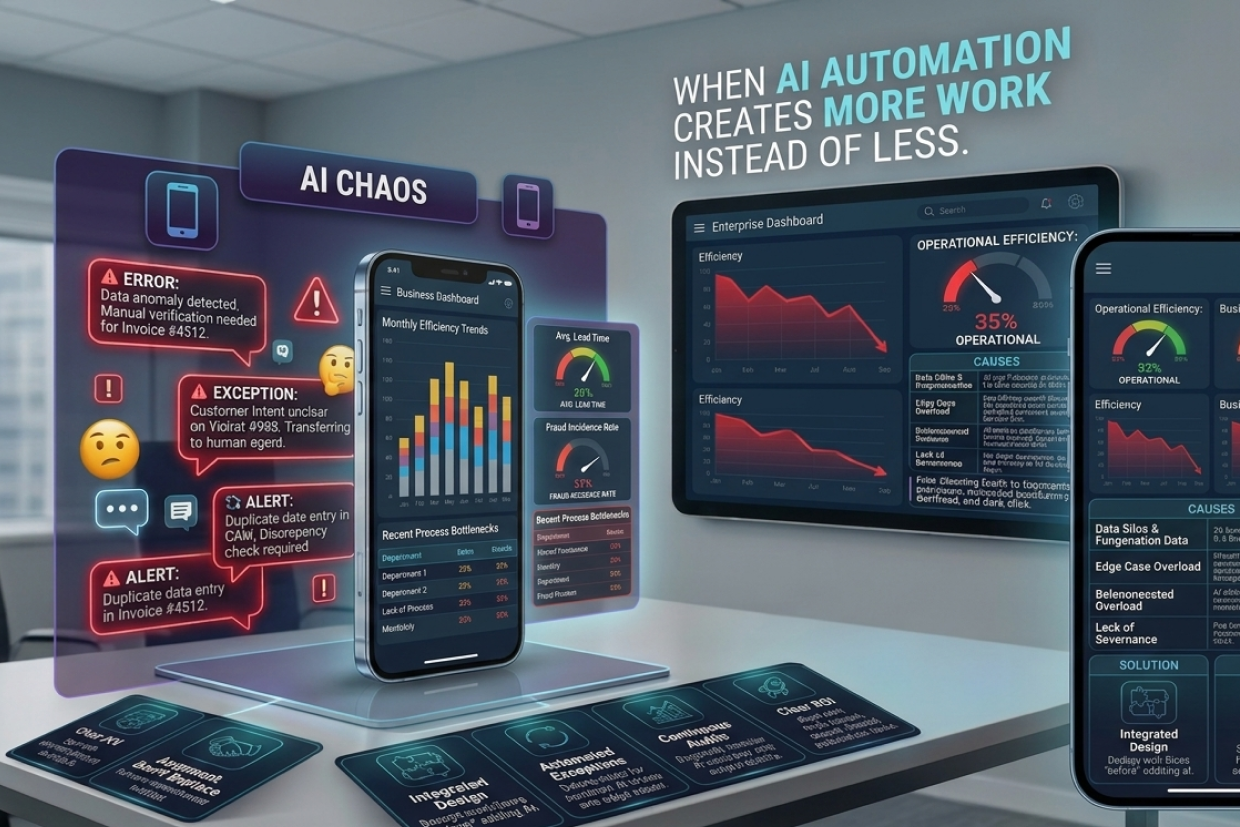
When AI Automation Creates More Work Instead of Less
Short answer: AI automation can create more work when employees end up checking results, correcting mistakes and monitoring processes. To avoid this, start with the process, not the AI: find the real bottleneck, remove unnecessary steps, define what AI handles and where humans step in, and measure the result.
Businesses are adopting Artificial Intelligence to automate repetitive tasks, speed up operations, and help employees work more efficiently.
The expectation is simple:
Give the work to AI → Reduce manual effort → Save time.
But sometimes the opposite happens.
Employees end up checking AI-generated results, correcting mistakes, responding to exceptions, monitoring multiple automated processes, and manually fixing actions that the system was supposed to handle.
The business has technically automated the workflow. But employees are still doing the work—just in a different way.
This usually happens when businesses automate a broken process instead of improving the process first.
The Automation Trap
Imagine a company receives hundreds of customer enquiries every day. The business introduces an AI system to automatically classify enquiries and send responses.
At first, the results look impressive.
But after implementation, employees discover that:
- Some messages are classified incorrectly.
- Some customers ask questions the AI cannot understand.
- Some responses contain outdated information.
- Some requests need human judgment.
Now the support team has a new responsibility:
Check what the AI did before the customer sees it.
The company didn't remove the workload. It created another layer of work.
Why AI Automation Can Increase Work
| Automation Problem | What Happens |
|---|---|
| Poorly defined workflow | AI automates unnecessary steps |
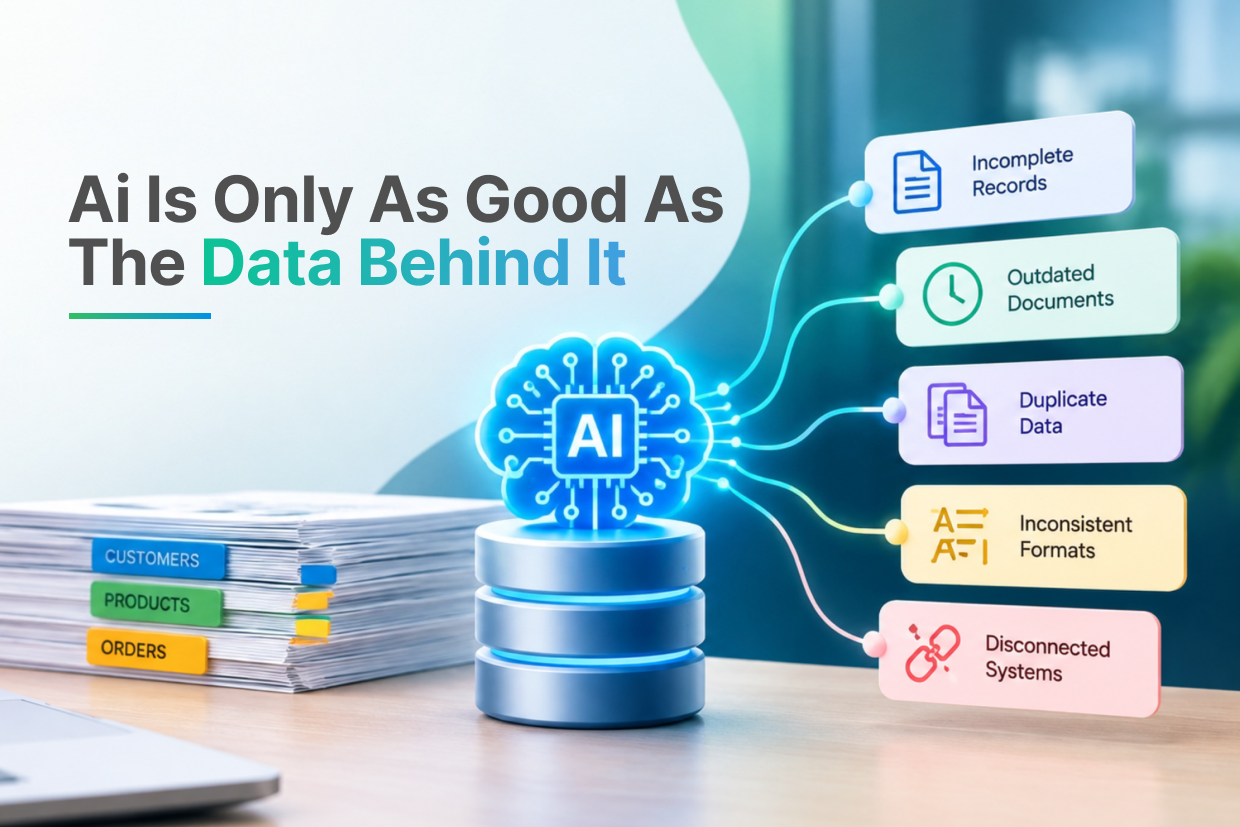
| Incomplete business data | Employees correct AI output |
| Too many exceptions | Manual review increases |
| No confidence controls | Low-quality results reach users |
| No system integration | Employees move information manually |
| No monitoring | Issues remain unnoticed until they become serious |
AI is only one part of an automated workflow. The quality of the data, business rules, integrations, and process design matters just as much.
Automating a Bad Process Makes the Problem Faster
Consider a company that approves expenses through email.
The current process is:
Employee Sends Email → Manager Reviews → Finance Checks → Employee Updates Spreadsheet
Instead of redesigning the process, the company adds AI to automatically read the emails and update the spreadsheet.
The process is now faster, but it is still unnecessarily complicated.
A better approach could be:
Expense Submitted → Automatic Validation → Policy Check → Approval Workflow → Finance Record
The difference is important.
The first approach automates the existing process. The second approach improves the process and then automates it.
The Human Correction Problem
One of the biggest warning signs of poor AI automation is when employees constantly correct the system.
For example, an AI workflow may:
- Generate the wrong category
- Extract incorrect information
- Recommend the wrong action
- Create duplicate records
- Miss important context
If employees spend significant time correcting these outputs, the automation may not be saving much time at all.
Businesses should measure the complete workflow, not just how fast the AI completes one task.
Measure the Work After Automation
A useful automation project should compare the process before and after implementation.
| Metric | Before Automation | After Automation |
|---|---|---|
| Time per task | 15 minutes | Should decrease |
| Manual corrections | Low/High | Should remain manageable |
| Exceptions | Existing level | Should be controlled |
| Employee involvement | Frequent | Focused on exceptions |
| Customer response time | Slower | Faster |
| Total process effort | Baseline | Should decrease |
The most important metric is:
Did the total effort required to complete the business process actually go down?
Not:
Did the AI complete one step faster?
AI Needs an Exception Strategy
No real-world business process is perfectly predictable.
Customers behave differently. Documents contain unexpected information. Business rules change. Systems fail.
Instead of pretending that AI can handle everything, businesses should design what happens when the AI is uncertain.
A practical workflow might be:
AI Processes Request → Confidence Check →
High Confidence → Continue Automatically
Medium Confidence → Additional Validation
Low Confidence → Human Review
This allows automation to handle routine work while preventing unusual situations from becoming bigger problems.
Integrations Matter More Than the AI Demo
An AI prototype can look impressive when it works in isolation. A production business workflow is different.
The AI may need to interact with:
- CRM systems
- ERP software
- Databases
- Payment systems
- Email platforms
- Internal APIs
- Document repositories
If these systems are not properly connected, employees may still need to copy information from one system to another.
The business has an AI model. But it doesn't have AI-powered automation.
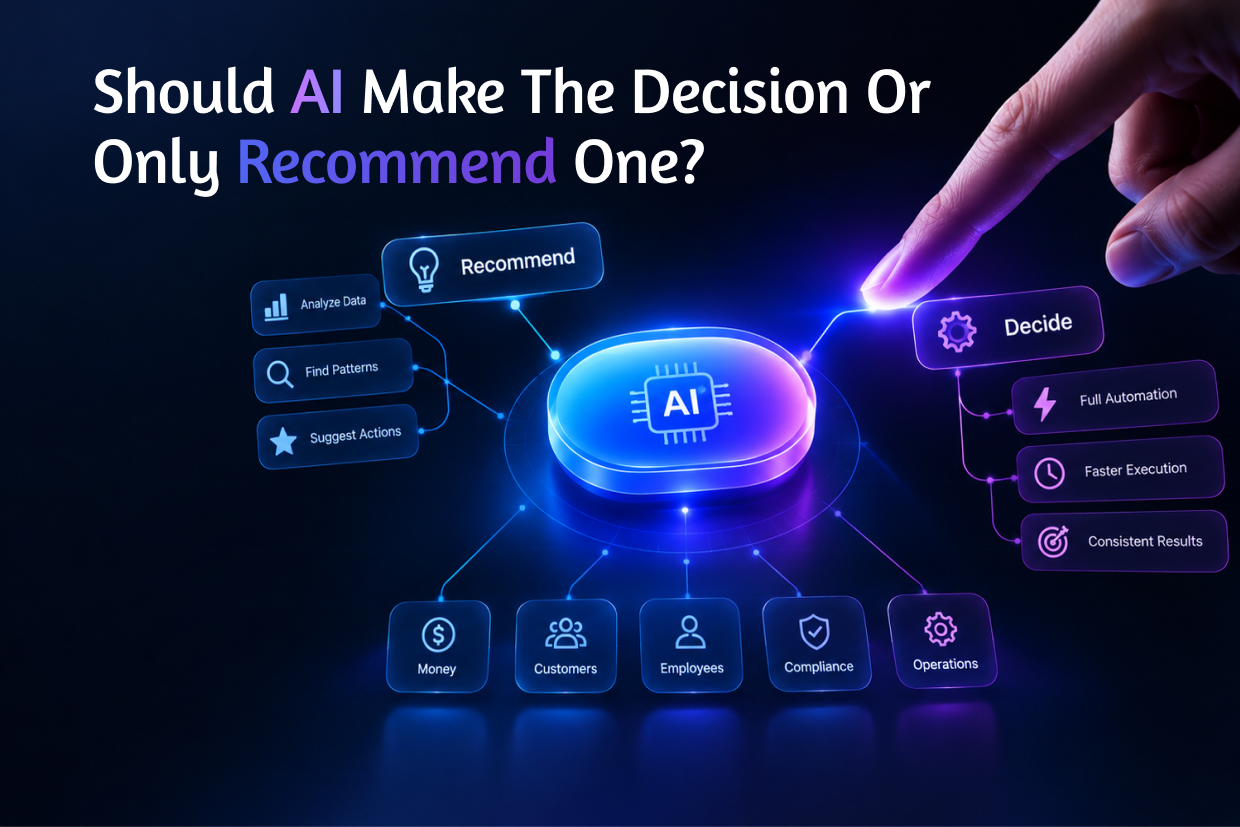
AI Should Remove Repetitive Decisions—Not Create New Monitoring Jobs
Automation is most useful when it removes predictable work.
For example, a business may automate:
- Invoice validation
- Customer enquiry classification
- Document extraction
- Appointment reminders
- Report generation
- Lead prioritization
But businesses should be careful when automating decisions that require context, judgment, or accountability.
A human should not be replaced merely because a decision can technically be automated.
The better question is: "What part of this decision can AI safely handle?"
Start With the Process, Not the AI
Before implementing AI automation, businesses should map the existing workflow.
Step 1: Identify the Repetitive Task
Find the process consuming significant employee time.
Step 2: Find the Actual Bottleneck
Determine whether the problem is data entry, approval, communication, decision-making, or system integration.
Step 3: Remove Unnecessary Steps
Don't automate steps that shouldn't exist in the first place.
Step 4: Define What AI Should Handle
Give AI tasks that are repeatable and measurable.
Step 5: Define Human Intervention
Decide which conditions require human review.
Step 6: Measure the Result
Compare total time, correction effort, errors, and customer outcomes before and after automation.
This approach helps businesses avoid building automation simply for the sake of using AI.
When AI Automation Is Actually Working
Before:
Employee → Read → Analyze → Enter → Verify → Respond
After:
AI → Analyze → Prepare → Human Reviews Exceptions → Respond
The human is still involved. But instead of processing every case manually, the employee focuses only on the cases that actually need attention.
That's useful automation.
The Goal Is Not Zero Human Work
Businesses sometimes make the mistake of defining automation success as:
"No employee should touch this process."
That's not always realistic or even desirable.
The real goal is:
"Employees should spend less time on repetitive work and more time on work that requires judgment."
AI should help people work better—not create another system that employees have to supervise all day.
Conclusion
AI automation can dramatically improve business productivity, but only when it is built around a well-designed process.
If a workflow contains unnecessary steps, poor data, weak integrations, or no plan for exceptions, adding AI can simply move the workload somewhere else.
The best AI automation projects begin with a business problem, simplify the process, connect the right systems, define human oversight, and measure the actual business outcome.
Automation should reduce work—not rename it.
At Vriksha Techno Solutions, we help businesses identify the right AI automation opportunities, connect them with existing systems, design human-in-the-loop workflows, and build practical AI solutions that reduce repetitive work without creating unnecessary complexity.
Frequently Asked Questions
Why can AI automation increase work?
Employees end up checking AI results, correcting mistakes, handling exceptions and monitoring automated processes, so the effort is renamed rather than removed.
How can a business avoid the automation trap?
Identify the repetitive task, find the actual bottleneck, remove unnecessary steps, define what AI should handle, define where humans step in and measure the result.
When is AI automation actually working?
When it removes repetitive decisions instead of creating new monitoring jobs. Automation should reduce work, not rename it.
Ready to Build Your Next Digital Product?
Our experts will respond within 24 hours with a tailored approach for your project.