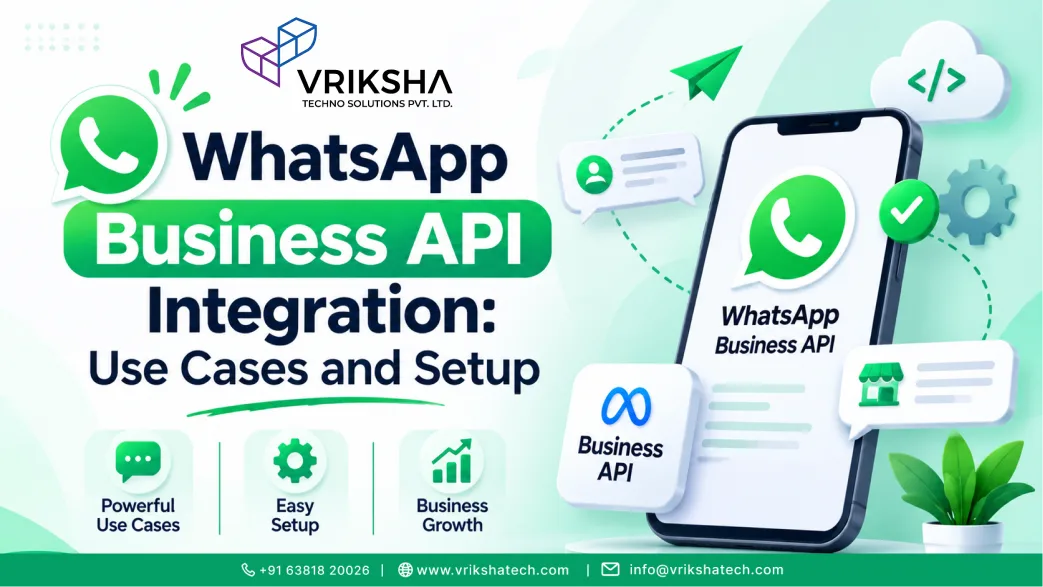
Short answer: The WhatsApp Business Platform (API) lets your systems send and receive WhatsApp messages automatically: order updates, OTPs, reminders, support conversations and lead capture into your CRM. Unlike the WhatsApp Business app, it supports multiple agents, automation and integrations. Business-initiated messages use pre-approved templates and need user opt-in; Meta charges by message category and country. Setup involves business verification, a phone number, templates and a webhook connected to your software.
For many customers, especially in India, the Gulf, Latin America and Africa, WhatsApp is where conversations happen. Emails go unread and SMS feels impersonal, but a WhatsApp message with an order update or appointment reminder gets seen. Connecting WhatsApp to your business systems turns it from a manual chat tool into an automated channel for updates, support and sales.
This guide is for business owners and managers considering the WhatsApp Business Platform (often called the WhatsApp Business API) and the teams who will integrate it.
WhatsApp Business App vs WhatsApp Business Platform
| Feature | WhatsApp Business app | WhatsApp Business Platform (API) |
|---|---|---|
| How it is used | Manually on a phone or linked devices | Through your software and integrations |
| Automation | Basic quick replies and greetings | Automated notifications, chatbots and workflows |
| Team use | Limited | Many agents through a shared inbox |
| Integrations | Very limited | CRM, ecommerce, booking, ERP and more |
The app is fine for a small shop. Once you need automation, several agents or integration with your systems, the platform is the right choice.
Business Use Cases That Work Well
- Order and delivery updates: confirmation, dispatch, out for delivery and delivered.
- Appointment reminders: with one-tap confirm or reschedule; see our guide to booking app UX.
- OTP and login codes: often more reliable than SMS in some regions.
- Payment reminders and receipts: invoices, due dates and payment links.
- Customer support: a shared inbox where agents answer queries with full order context.
- Lead capture: "Chat with us" buttons on ads and websites that create leads in your CRM.
- AI assistants: answering common questions automatically and handing over to people. Our Vrix Assist is an AI chat assistant for websites and WhatsApp; see also our breakdown of AI chatbot costs.
Rules You Must Follow
- Opt-in: get customers' permission before messaging them on WhatsApp, and honour opt-outs.
- Templates for business-initiated messages: when you start a conversation, use a template approved by Meta.
- Customer service window: when a customer messages you, you can reply freely for a limited period; after that, you need a template again.
- Quality: spammy or unwanted messages lower your number's quality rating and can limit how many messages you can send.
Pricing Basics
Meta charges per message according to the category (marketing, utility and authentication) and the recipient's country, and some service replies are free. Marketing messages cost the most. Your provider or software may add platform fees. Estimate costs from your expected monthly volume per category before launch, and keep marketing messages relevant to avoid wasted spend and opt-outs.
How to Set It Up
- Meta Business account and verification: verify your business details.
- Phone number: a number not already registered on regular WhatsApp, with an approved display name.
- Access method: Meta's Cloud API directly, or through a business solution provider that adds tools such as a shared inbox.
- Templates: draft and submit your notification templates for approval.
- Webhook and integration: connect incoming messages and delivery statuses to your software.
- Testing: check templates, variables, opt-outs, failure handling and agent handover.
Integrating with Your CRM and Systems
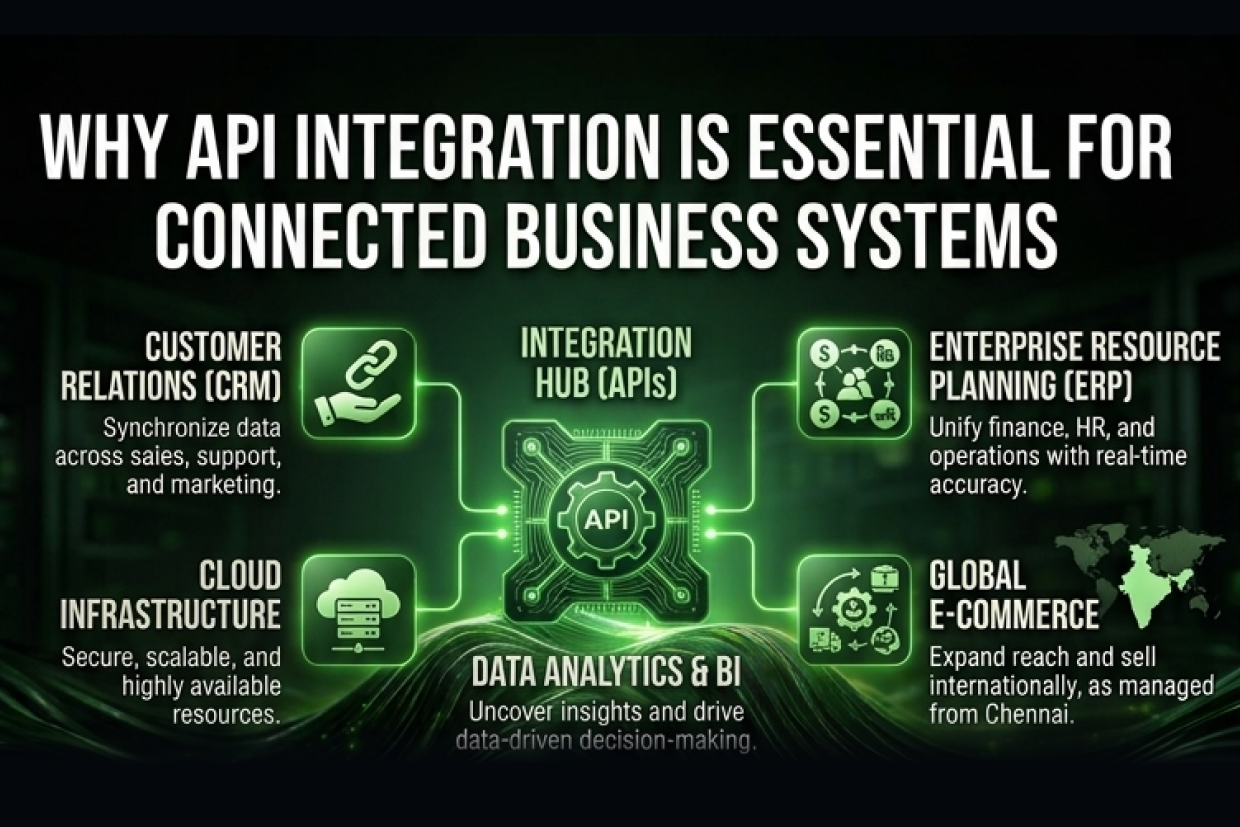
The real value comes from connecting WhatsApp to the systems you already use. New conversations create leads in your CRM; order systems trigger updates automatically; booking systems send reminders; support agents see the customer's history before replying. Our Vrix CRM can be connected this way, and our article on connecting disconnected business systems explains the wider integration picture. Integrations like this also cut manual work; see how API integration reduces business costs.
Common Mistakes
- Sending promotional messages without clear opt-in.
- Templates that are vague or look like spam, leading to rejections or blocks.
- No human handover, so customers get stuck with a bot.
- Conversations that never reach the CRM, so sales follow-up is lost.
- No monitoring of delivery failures and quality rating.
Writing Templates That Get Approved and Read
- Say who you are and why you are messaging in the first line.
- Keep utility messages factual: order number, status and next step.
- Use variables for personal details, not for the whole message.
- Add quick-reply buttons such as "Confirm" or "Reschedule" where useful.
- Avoid promotional language in utility templates, or they may be recategorised as marketing.
Measuring Results
Track delivery and read rates for each template, replies, opt-outs, support resolution time and the leads or orders that start on WhatsApp. Compare reminder messages with no-show rates, and payment reminders with on-time payments, to see the real business impact.
Integrate WhatsApp with Your Business
Tell us which messages you want to automate and which systems they should connect to. We will send you a free integration plan covering templates, opt-in, CRM connection and an estimate of monthly messaging costs. Our AI integration services and custom software development teams build these integrations. Vriksha Techno Solutions has built web and mobile software from Chennai since 2006, for 800+ clients across 1,200+ projects.
Frequently Asked Questions
What is the difference between the WhatsApp Business app and the WhatsApp Business API?
The app is for small businesses messaging customers manually from a phone. The API (WhatsApp Business Platform) connects WhatsApp to your software, allowing automation, multiple agents, chatbots and integration with CRM, order and booking systems.
What are WhatsApp message templates?
Templates are pre-approved message formats used when a business starts a conversation, such as order updates, reminders or OTPs. They are reviewed by Meta and can include variables like name and order number.
Do customers need to opt in to receive WhatsApp messages?
Yes. Businesses must have the customer's permission before sending messages on WhatsApp, and should make it easy to opt out. Opt-in can be collected on your website, app, checkout or in person.
How much does the WhatsApp Business API cost?
Meta charges per message based on the message category (such as marketing, utility or authentication) and the recipient's country, with some service conversations free. Your provider or integration may add its own fees.
Can I connect WhatsApp to my CRM?
Yes. Incoming messages can create or update leads and tickets, and your CRM can send templates and track replies, so all customer conversations sit in one place.
Can a chatbot run on WhatsApp?
Yes. An AI or rule-based assistant can answer common questions on WhatsApp and hand over to a human agent when needed.
Can several agents use one WhatsApp number?
Yes. With the WhatsApp Business Platform, a shared inbox lets several agents handle conversations from one business number, with assignment, notes and history, which the regular app cannot do well.
How long does WhatsApp API setup take?
Business verification and number setup can take a few days. A basic integration for notifications typically takes one to three weeks; deeper CRM and chatbot integration takes longer.
Ready to Build Your Next Digital Product?
Our experts will respond within 24 hours with a tailored approach for your project.